
Register Your WhatsApp Sender
When you click Register your WhatsApp sender, the following information is displayed: To start sending live traffic, you should register a sender depending on the channel. Make sure you have:
• A verified phone number or sender ID not connected elsewhere
• A business account with admin access (if required by the channel)
• A display name that follows WhatsApp channel policies
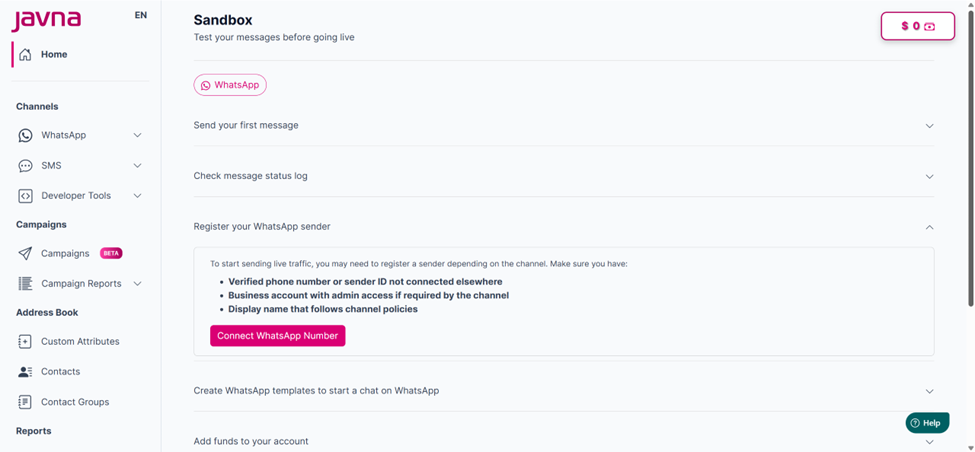
Registering your WhatsApp Sender
- Clicking on the “Connect WhatsApp Number” button will redirect you to the WhatsApp registration flow to complete the setup. This onboarding process guides you through registering and connecting your business account to your partner.
- Click on the “Continue” button to complete the registration process. For more details, refer to Registration section. After completing the registration process, the message “This WhatsApp sender is already registered” will appear.
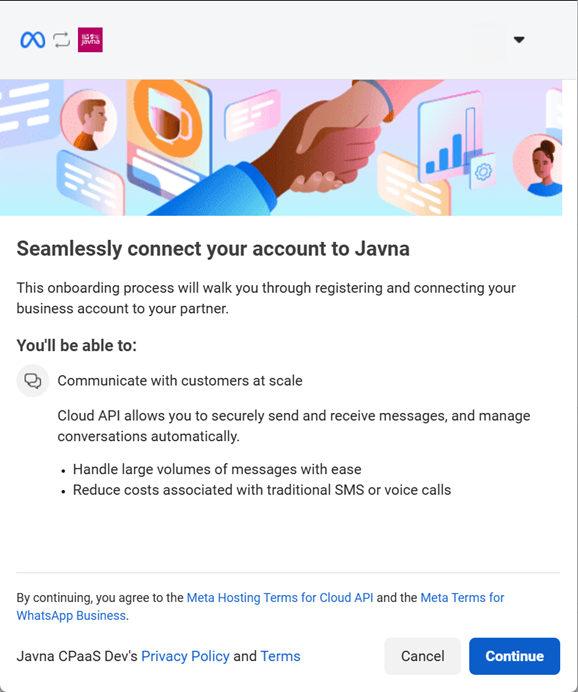
Connecting your account to Javna
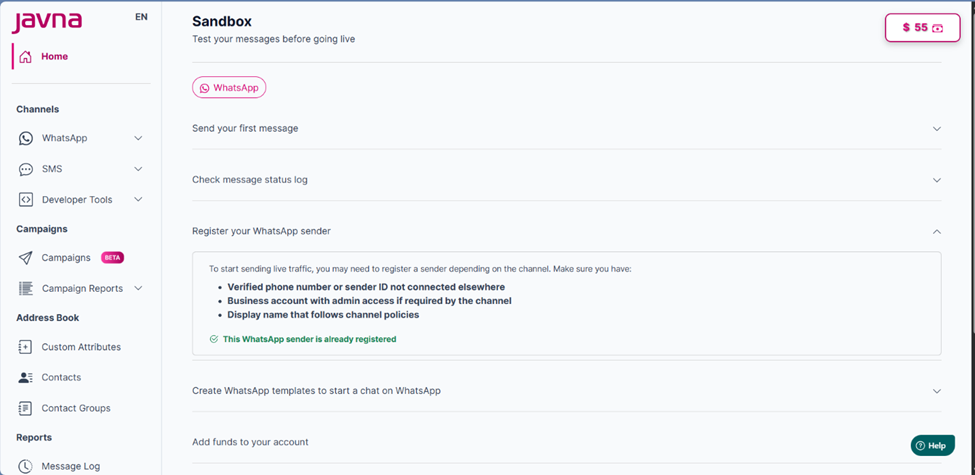
The message 'This WhatsApp sender is already registered' is appearing.
Updated 3 months ago