

The components of the “Message links” list
The Message Links page provides an overview of all "message links" created within your account. From this page, you can learn more about the components of this page
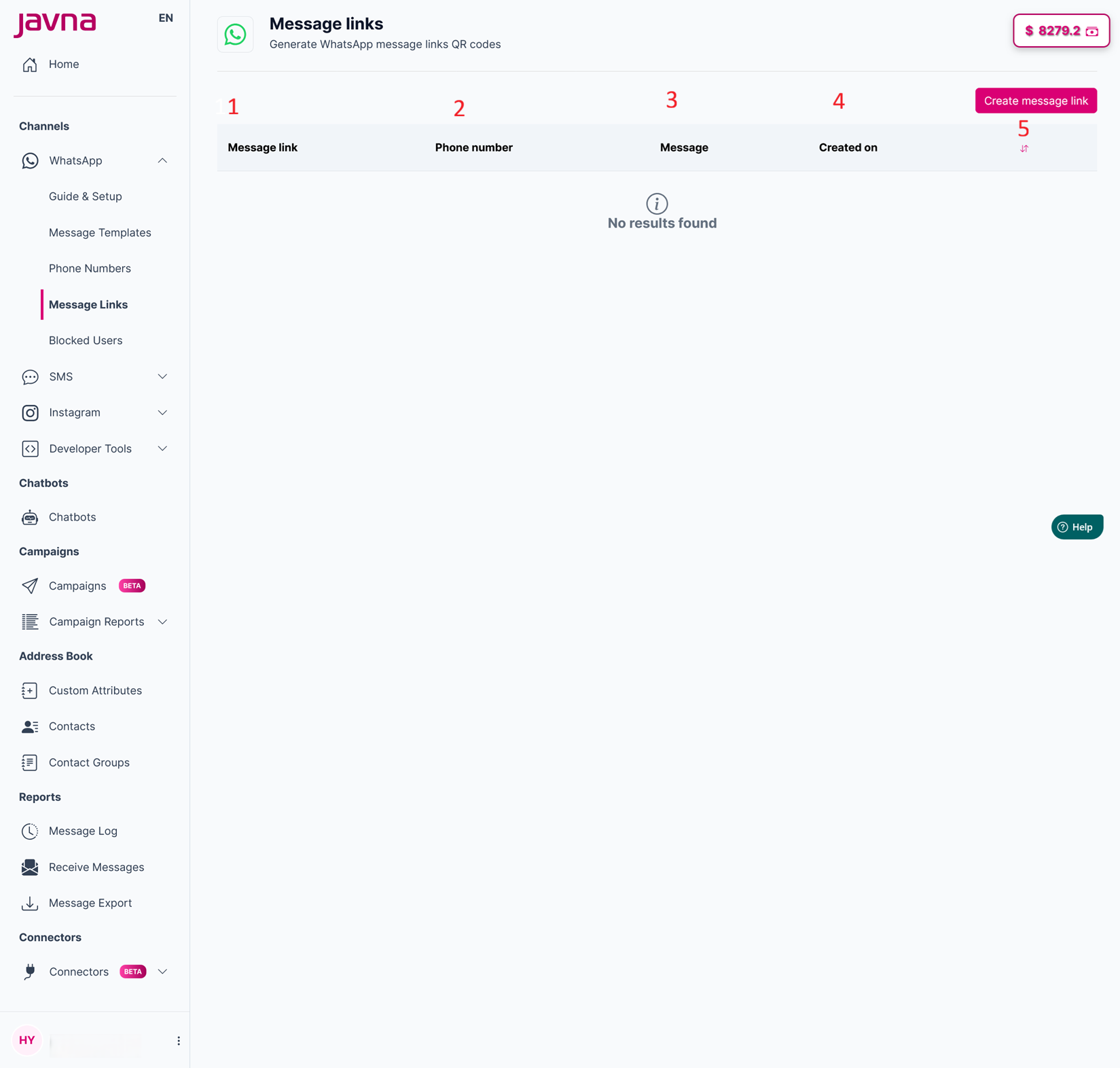
The Components of the "Message links" list
1. Message Link:
This column displays the unique link that customers can click on to install the QR Code or follow the link to start a chat with your business on WhatsApp.
2. Phone Number:
This shows which of your predefined WhatsApp numbers is being used for each link.
3. Message:
This column displays the pre-filled message that will automatically appear in the customer's WhatsApp chat when they click on the message link.
4. Created On:
This column indicates the date when each message link was created. It helps you keep track of when each link was generated.
5. Sorting Button:
This button allows you to sort the content of the list either in ascending or descending order.
Updated 3 months ago