

Logging in
To log in to your Javna CPaaS account, please follow these steps:
- Open your web browser and go to the Javna CPaaS website. On the main page, you will see two sections: "Log in with your account" on the left and "Create a new account" on the right.
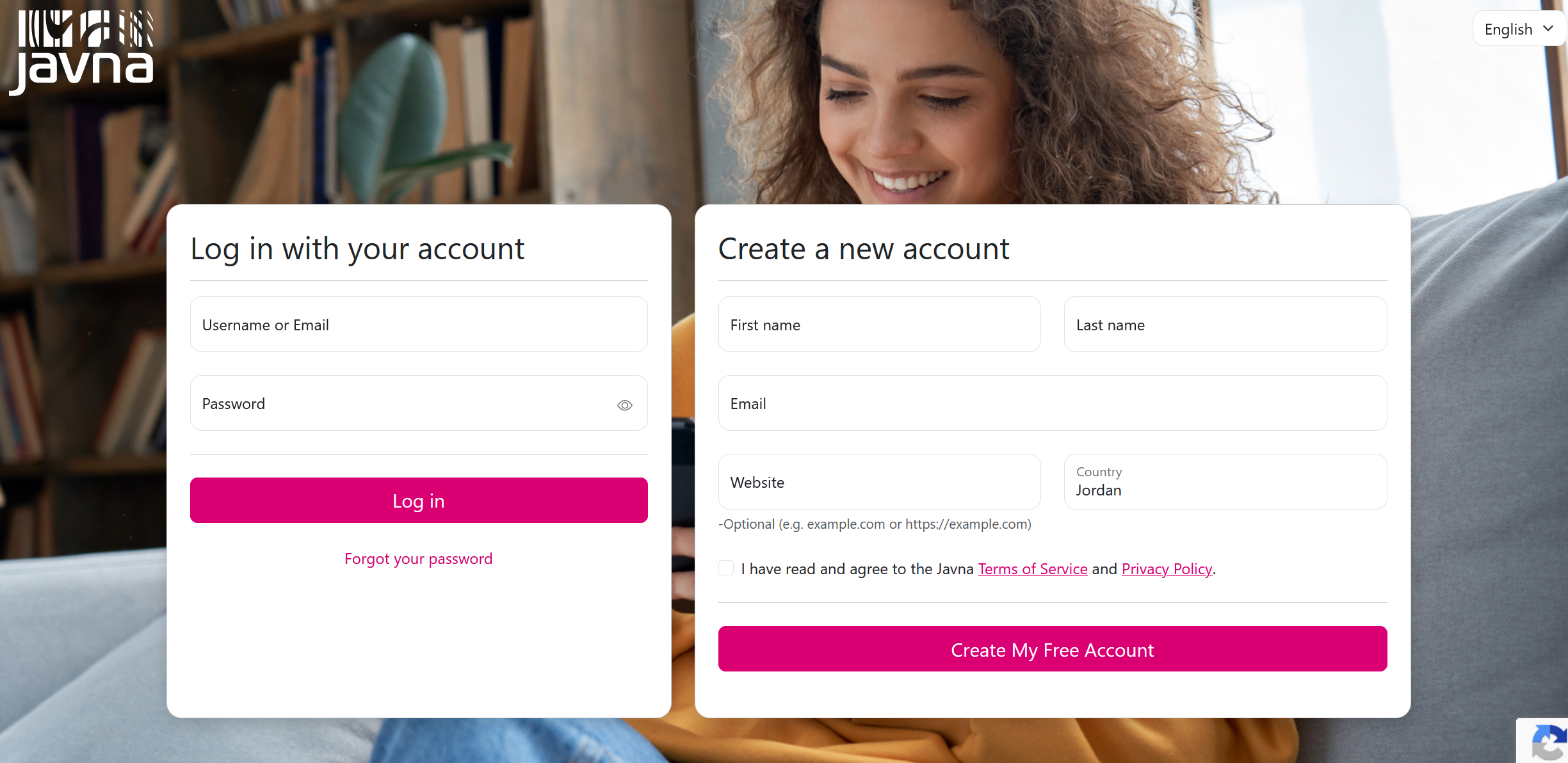
The "Login and Account Registration" Page
- Enter your username in the “Username” field, or you can enter your email address.
- Enter your password in the “Password” field. You can click the eye icon to view or hide the password as you type.
- Click on the "Log In" button to proceed.
- Enter the verification code sent to your registered mobile number. Each time you log in, a new verification code will be sent to your mobile number associated with your CPaaS account. Once you enter the code correctly, you will be granted access to your account.
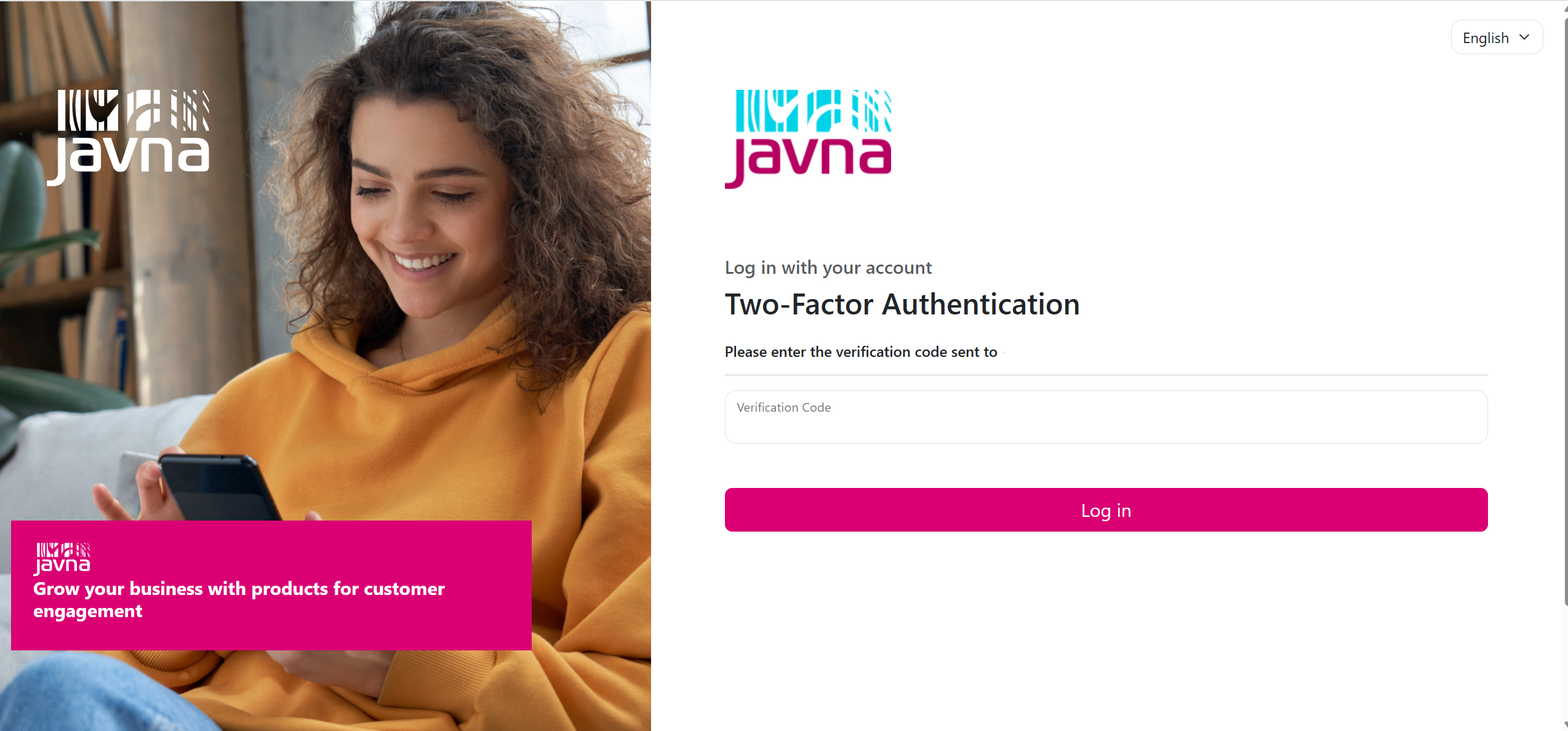
Entering the verification code
Updated 3 months ago
What’s Next
Did this page help you?