
Help
If you need assistance or have any questions, we are here to help! Simply click the Help button to get started. How it works:
- Click the Help Button: When you click on the help button, a pop-up window titled "Welcome to Support" will appear.
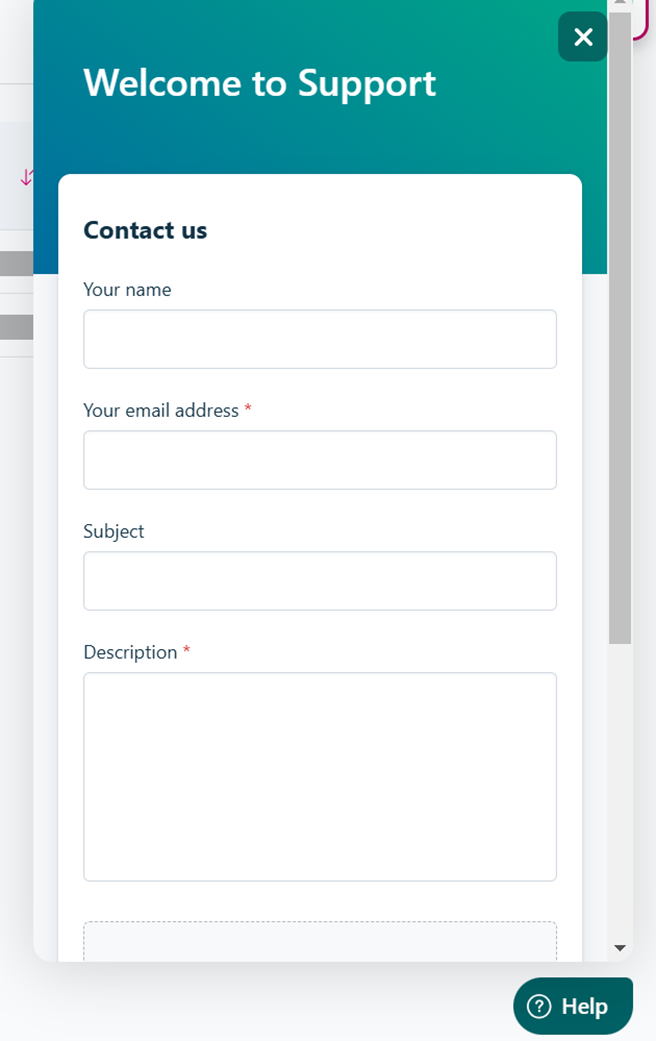
The "welcome to support" pop up.
- Fill in Your Details:
- Email Address: Enter your email address so we can contact you.
- Description: Provide a description of your issue or question. Be as detailed as possible to help us assist you better.
- Optional: You can also fill in your Name and Subject for further clarification.
- Attachments: If needed, you can upload up to 5 files. Please note the total size of all attachments cannot exceed 20MB.
- Select reCAPTCHA: For security purposes, please select the reCAPTCHA to verify you’re not a robot.
- Submit: Once everything is filled out, click the Submit button.
Once submitted, you’ll see a message that says “Thank you for your feedback,” confirming that your help/support request has been successfully sent to us.
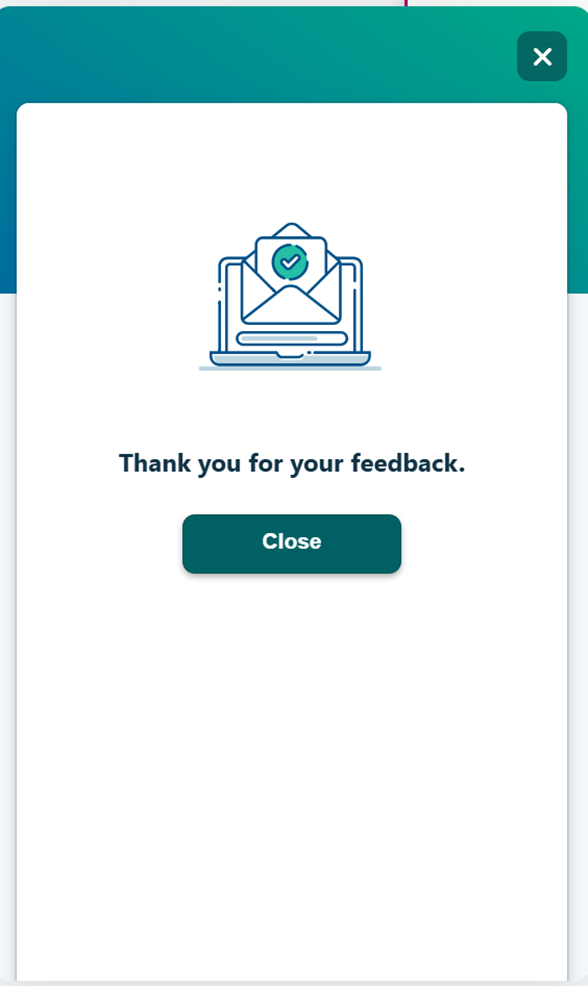
"Thank you for your feedback" message
- Close the Pop-up: After receiving the confirmation, click the Close button to exit the support window.
An admin will review your issue or complaint and work to resolve it as quickly as possible. We will follow up with you via the email address you provided.
Updated 3 months ago