

Accessing the “Message Templates” page
You can access the “Message templates” page by following these steps:
- Log in to your Javna CPaaS account using your credentials.
- Once logged in, you'll be redirected to the homepage.
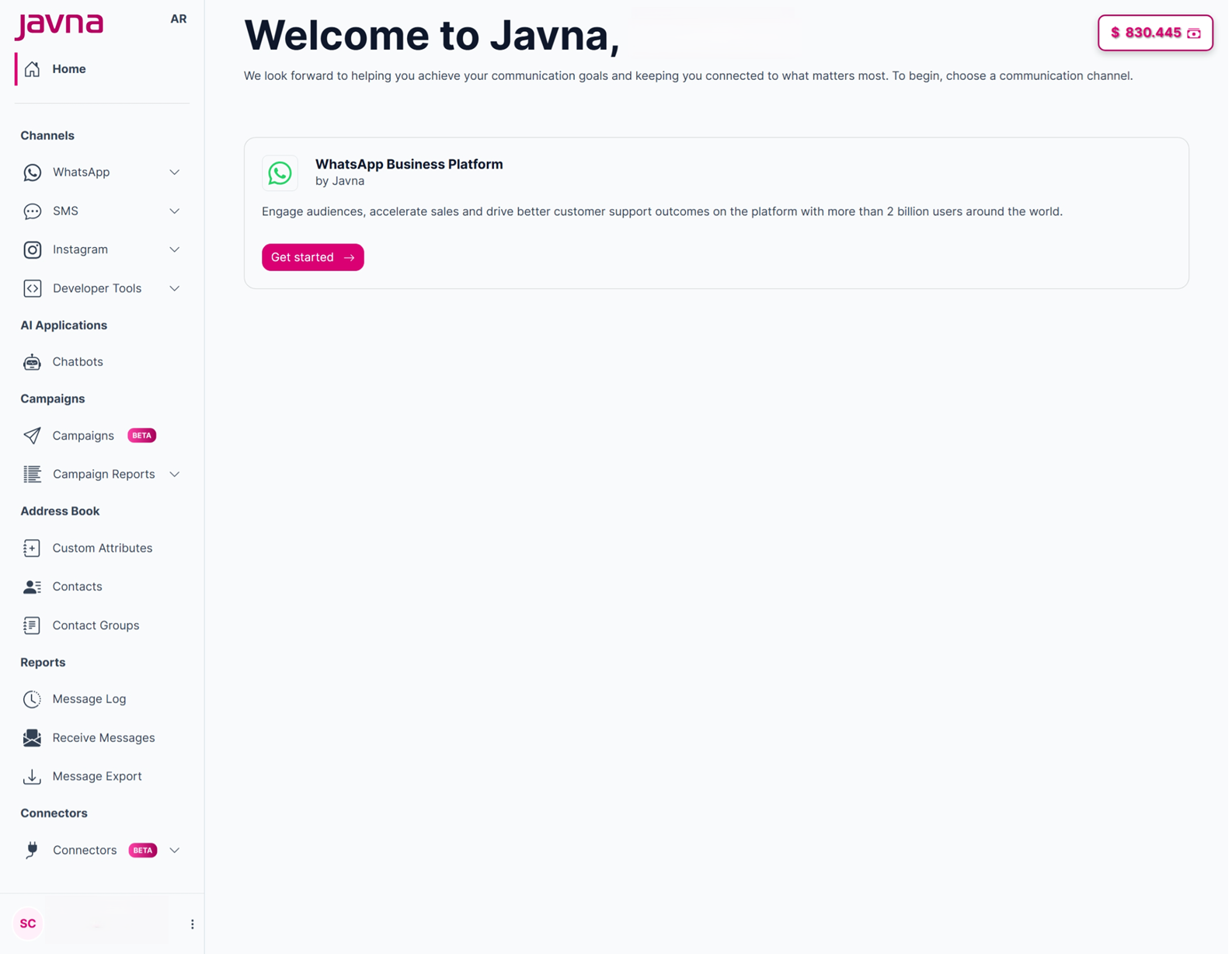
The Homepage
- from the left-side menu of the homepage, click on the "WhatsApp" drop-down menu, then click on the option labelled "Message Templates".
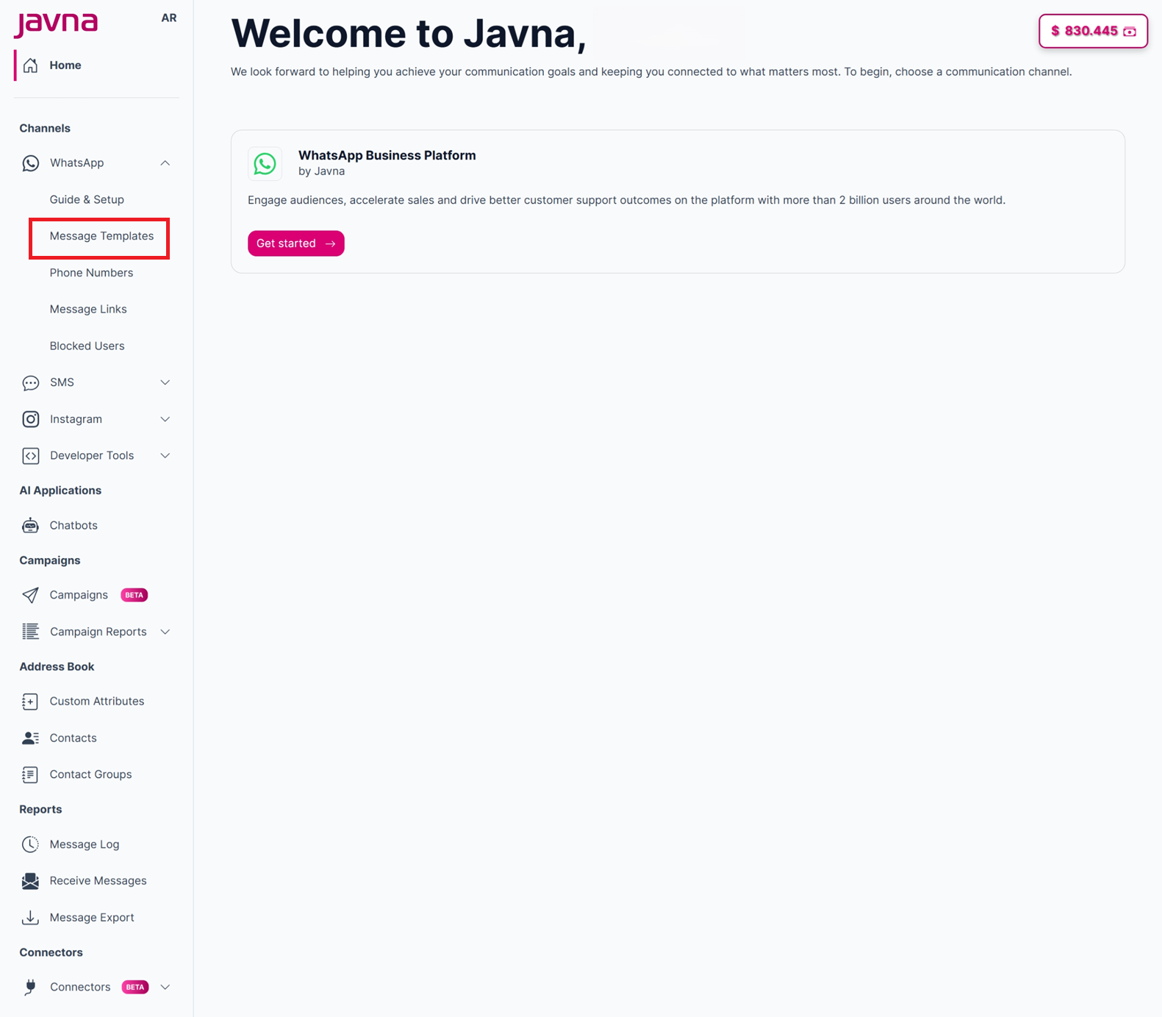
Selecting "Message Templates" from the drop down mneu
- Upon clicking, you'll be redirected to the "Message Templates" page where you can search, create, or sync your message templates as needed.
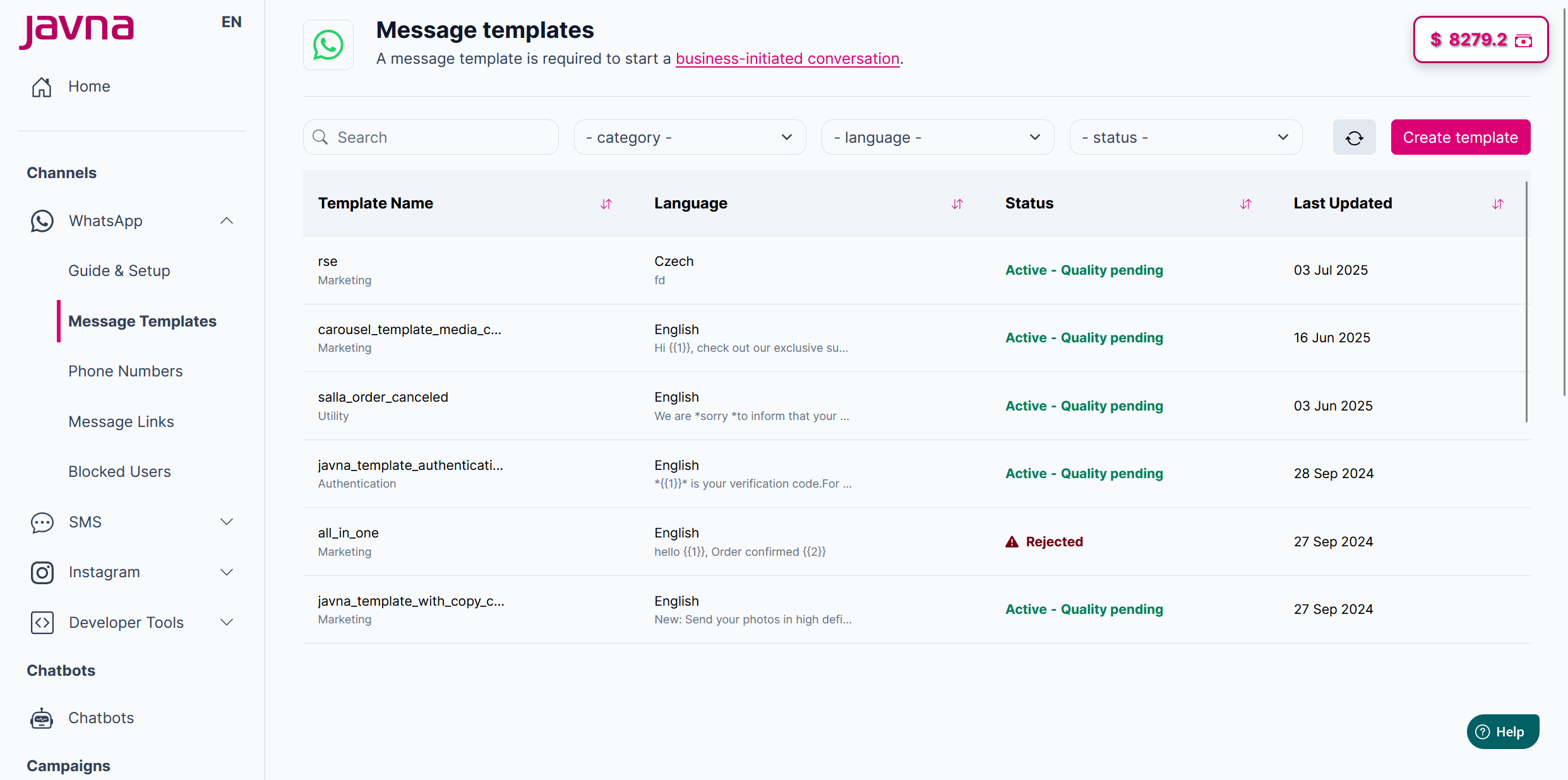
The "Message Templates" page
Note: When you click on the message templates from the left-side menu on the homepage, they will be synced automatically without needing to click the sync button.
Updated 3 months ago
Did this page help you?