

How to Navigate to the “Campaigns” Page
- Log in to the platform using your credentials.
- Once logged in, you'll be redirected to the homepage.
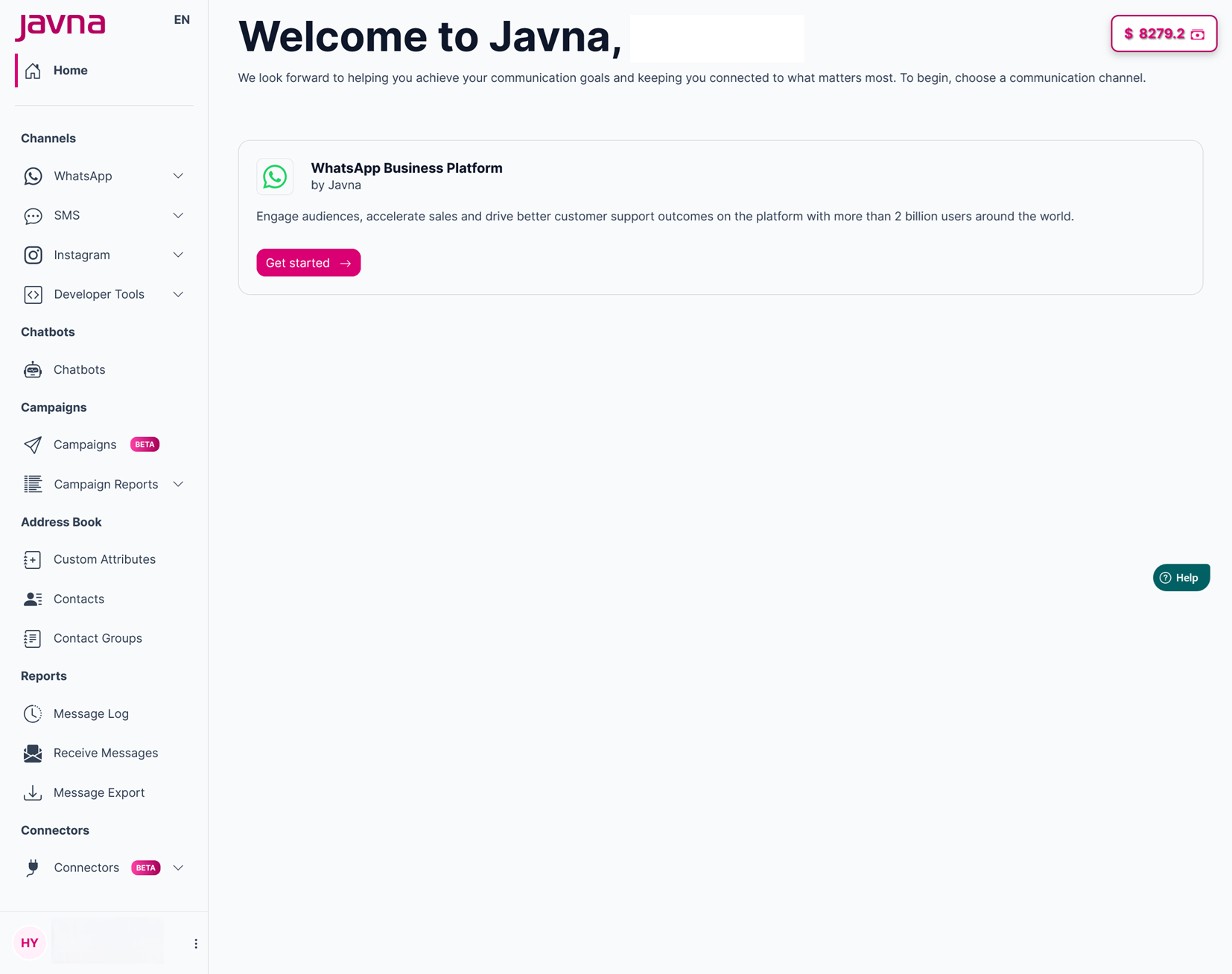
The Homepage
- From the left-side menu on the homepage, click on the Campaigns button. You will then be redirected to the “Campaigns” page, where you can view a list of existing campaigns and create a new one.
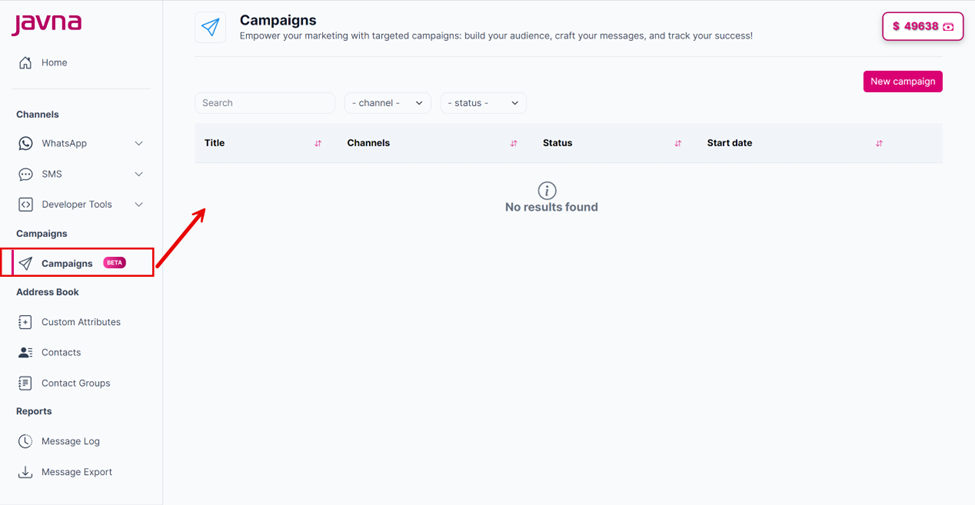
The "Campaigns" page.
Updated 7 months ago
Did this page help you?