

Navigating to the “Bot Builder” page
To navigate to the “Bot Builder” page, follow these steps:
-
Log in to the platform using your credentials.
-
Once logged in, you'll be redirected to the homepage.
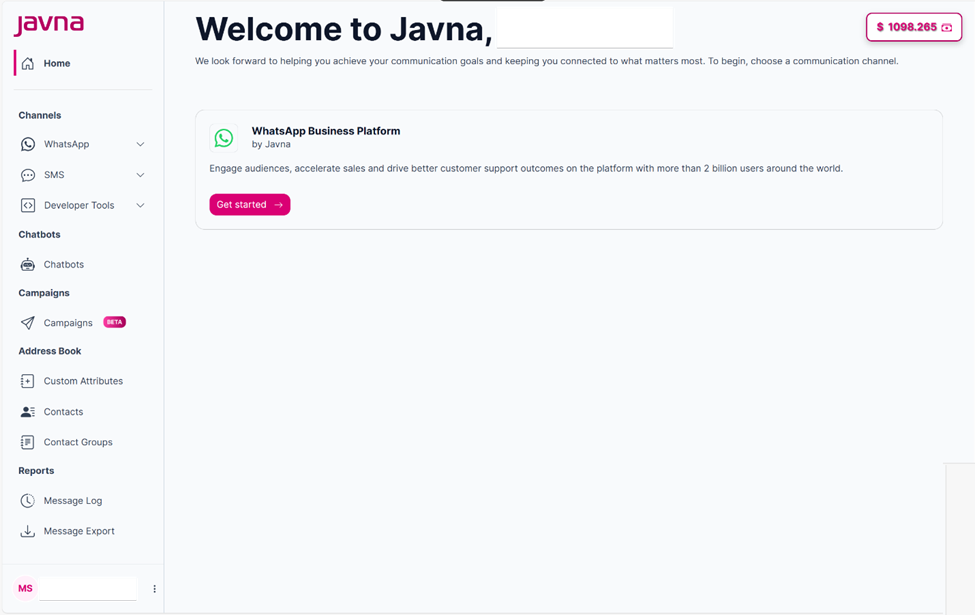
The homepage
- From the left-side menu on the homepage, click on the “Chatbots” button. You will then be redirected to the “Bot Builder” page, where you can manage your existing bots or create new ones. This page lists all the bots associated with your account.
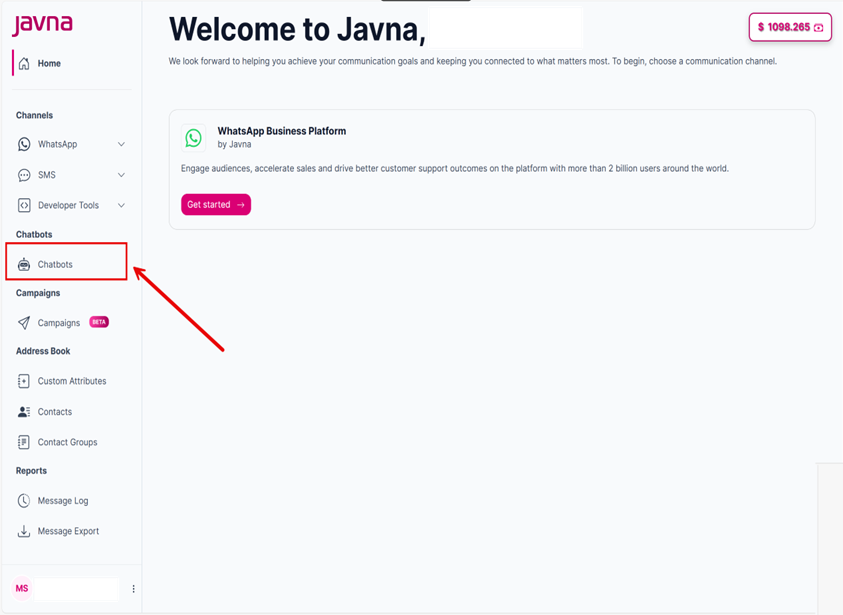
Clicking on the "Chatbots" option.
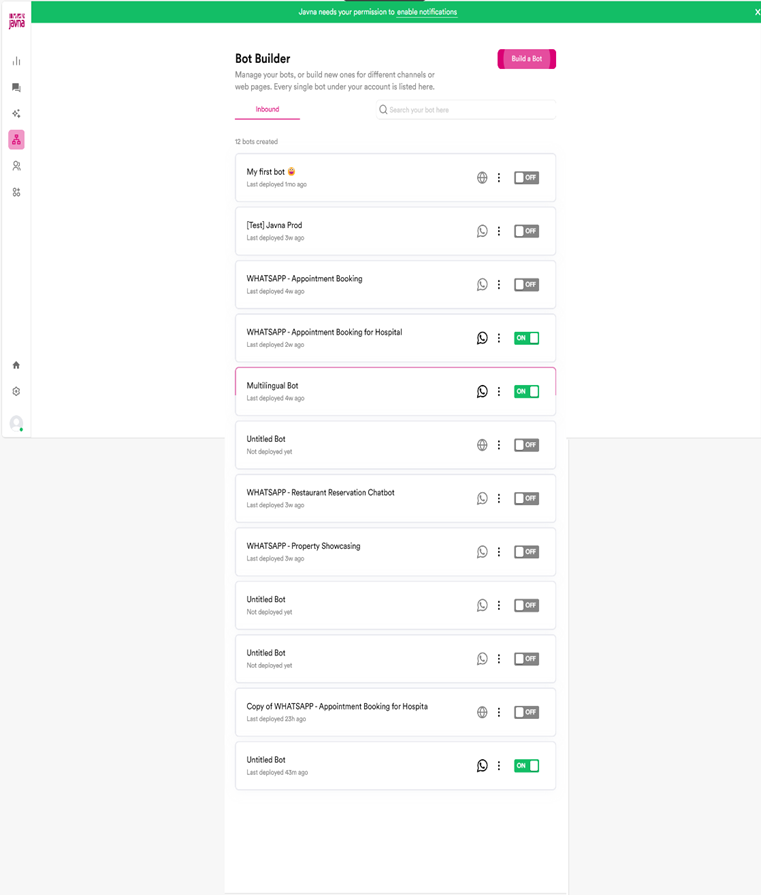
The page that you will be redirected to when clicking on the "Chatbots".
Updated 7 months ago
Did this page help you?