
Navigating to the Chat Links Page
Follow these steps to navigate to the Chat Links page:
-
Log in to your Javna CPaaS account using your credentials. Refer to logging in section.
-
Once logged in, you will be redirected to the homepage.
-
From the left-side menu, click on the Conversational Commerce drop-down menu, then select Chat Links.
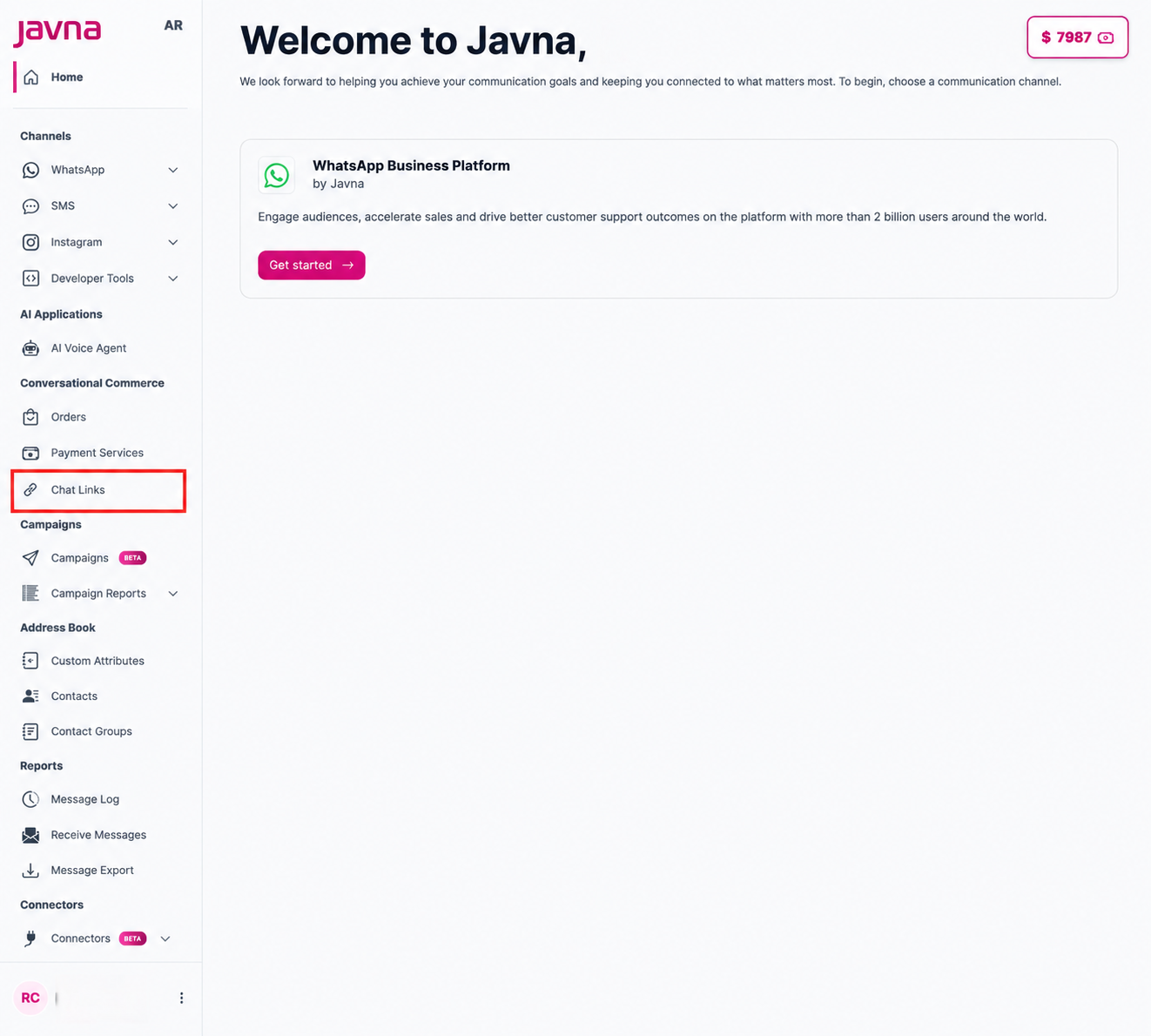
selecting chat link from the drop down menu
- You will be redirected to the Chat Links page, where you can:
- View a table containing all chat link details including Name, URL, Phone Number, Clicks, Message, and Payment Link
- Create a new chat link by clicking the Add Chat Link button
Updated 12 days ago