

The components of the “Account Packages” page.
Upon redirecting to the “Account Packages” page, you will find several essential components:
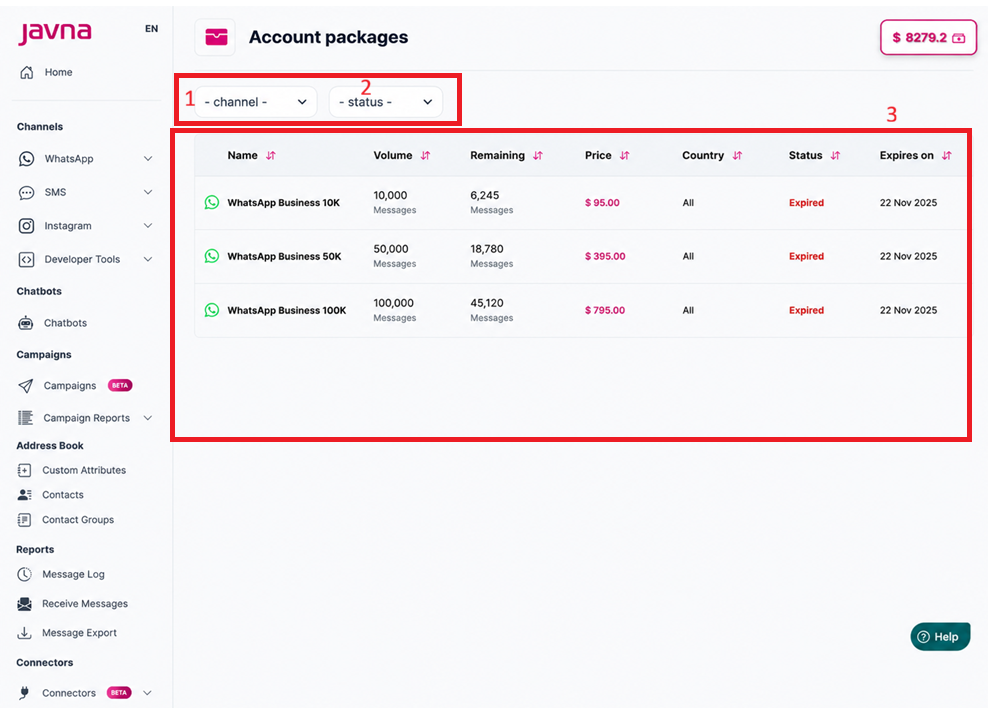
The components of the Account Packages page
1. Filtering Options:
These options help you narrow down the packages to specific ones of interest:
1.1- Channel Filter:
A single-selection filter that allows you to select the channel you want to filter the packages by. You can choose between WhatsApp or SMS.
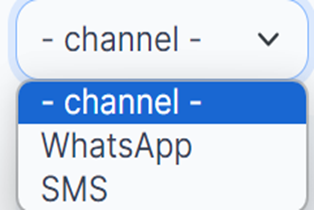
The channels that are available.
1.2- Status Filter:
A single-selection filter that allows you to filter packages based on their status:
- Active: Packages that are currently active.
- Consumed: Packages that have been fully used.
- Expired: Packages that have passed their expiration date.
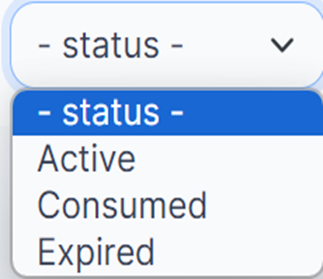
The Status that are available.
2. Packages List:
After applying the filters, a list of packages will be displayed with the following details:
a. Name: It will display the channel type (SMS or WhatsApp) next to the package name. b. Volume: The total number of messages allowed by the package.
c. Remaining: The number of messages remaining.
d. Price: The cost of the package.
e. Country: The country associated with the package.
f. Status: The current status of the package (Active, Expired, Consumed).
g. Expires On: The expiration date of the package.
Updated 3 months ago