

Logging out
To log out from your profile, follow these simple steps:
- Click on the options menu button then click on the "Logout" button.
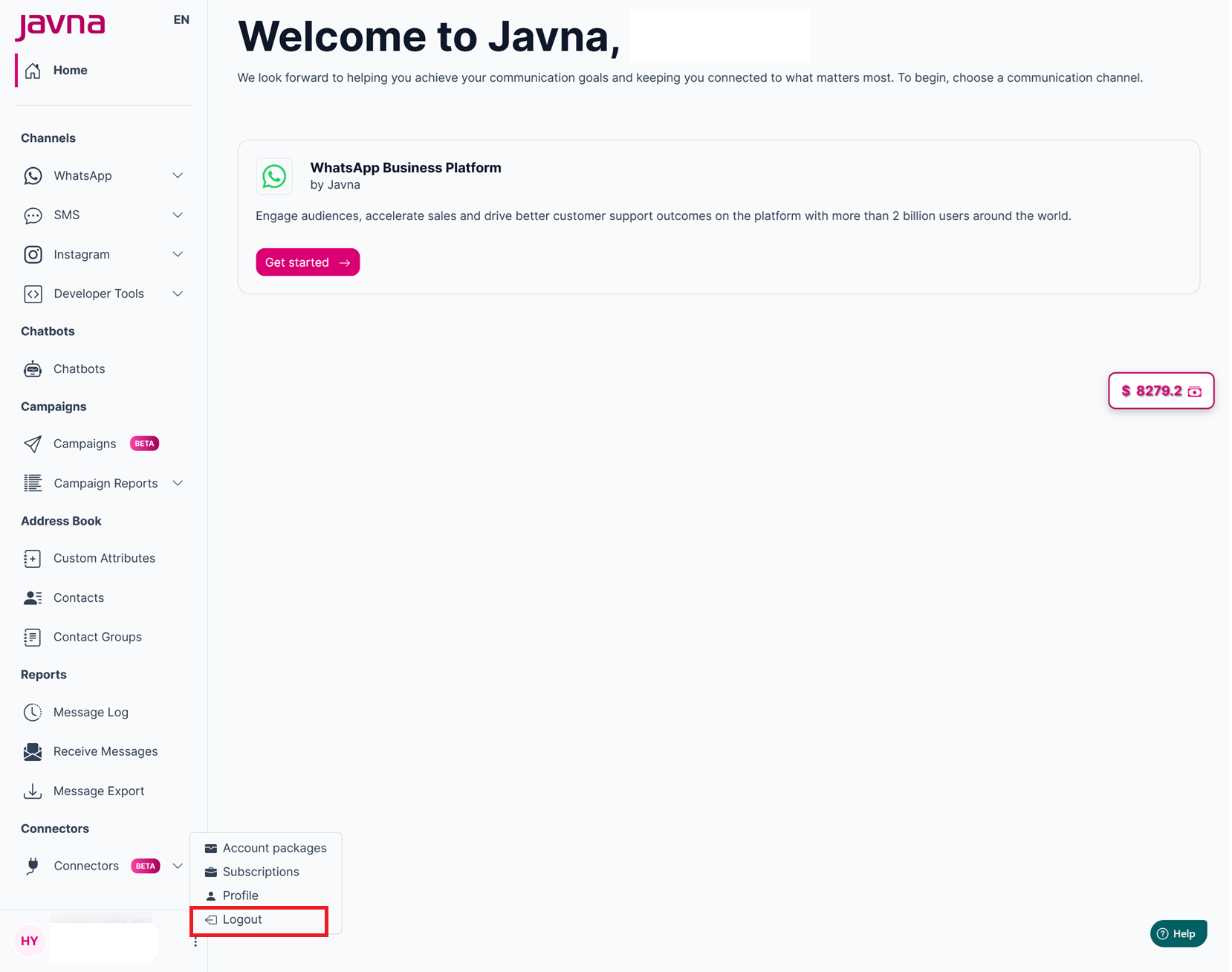
The "Logout" button
- You will be successfully logged out of your Javna CPaaS account and redirected to the login page.
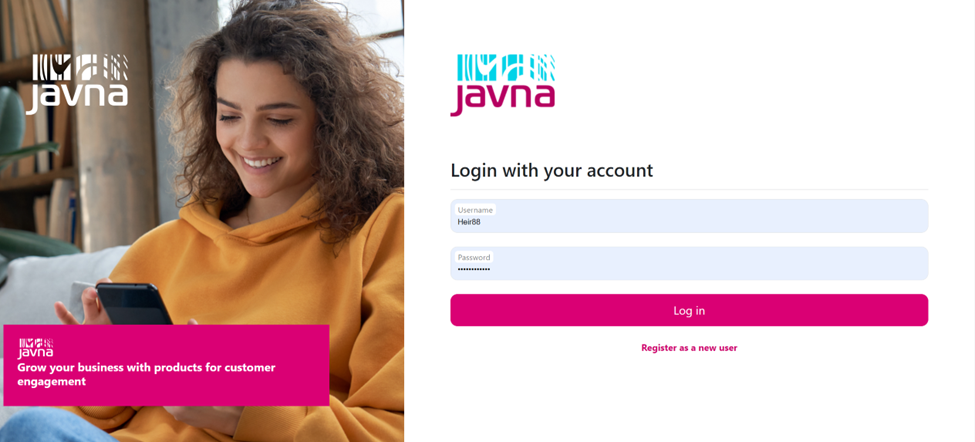
The login page.
Updated 7 months ago
Did this page help you?