

Adding credit to your account
Follow these steps to request the addition of credit to your account from the admin:
-
Contact the admin to request the addition of credit to your account.
-
The admin verifies your request for adding credit to your account.
-
Upon verification, the admin manually adds the requested credit to your account.
-
You will receive a notification from the admin confirming the addition of credit to your account.
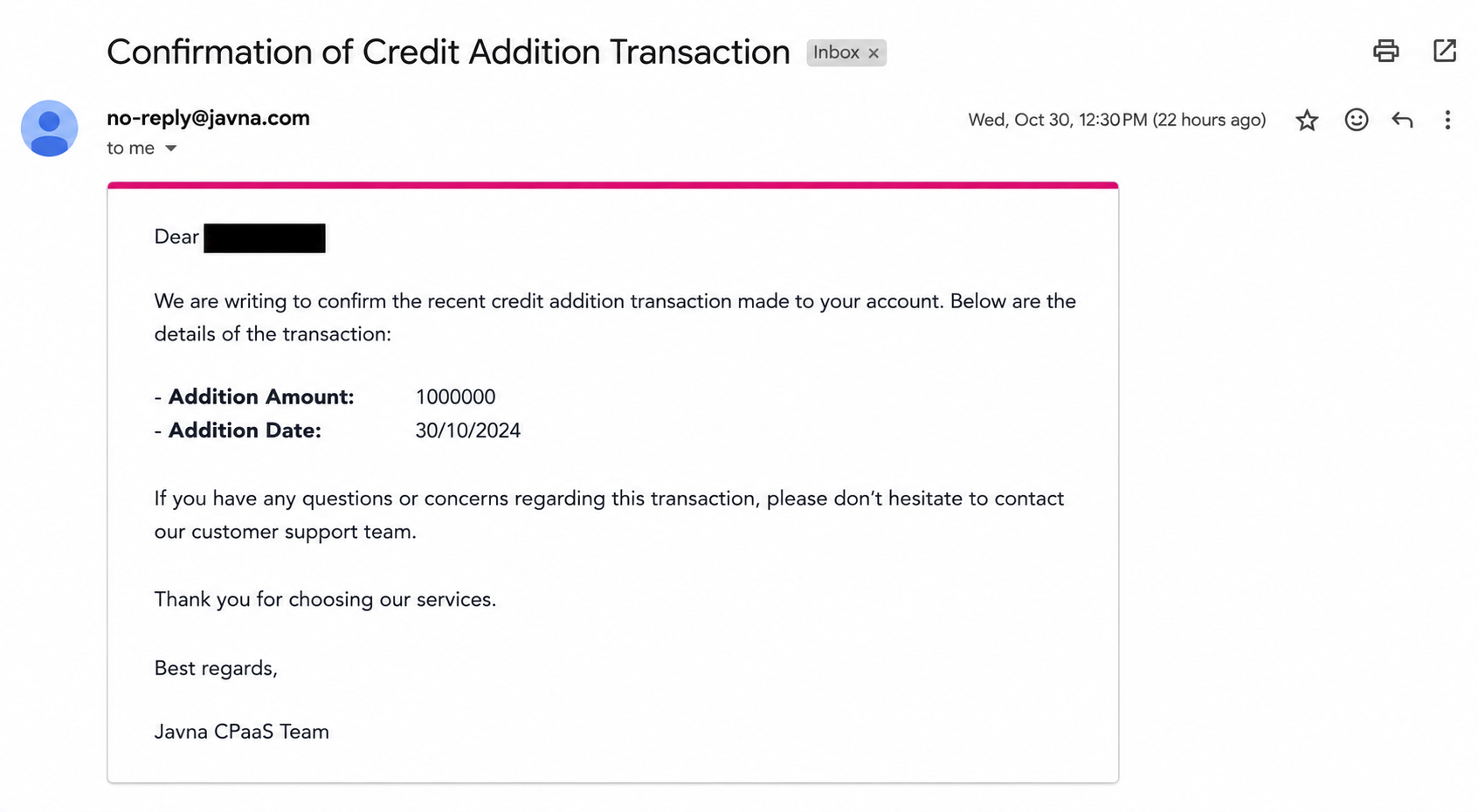
The confirmation of credit addition email
-
Log into your account and navigate to the " Account credit additions" page to verify that your balance has been updated to reflect the added credit.
Updated 3 months ago
Did this page help you?