

Navigating to the “Account Credit Additions” page
Follow these simple steps to navigate the “Account Credits Additions” page:
- Log in to your Javna CPaaS account using your credentials.
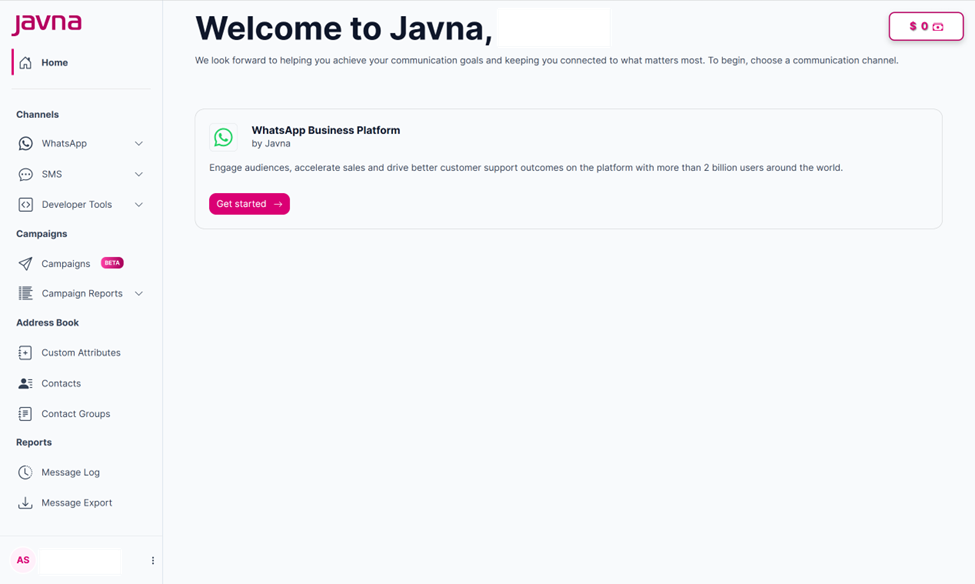
The homepage
- Click on the “Current credit button” in the homepage, you will be redirected to the “Account credit additions” page.
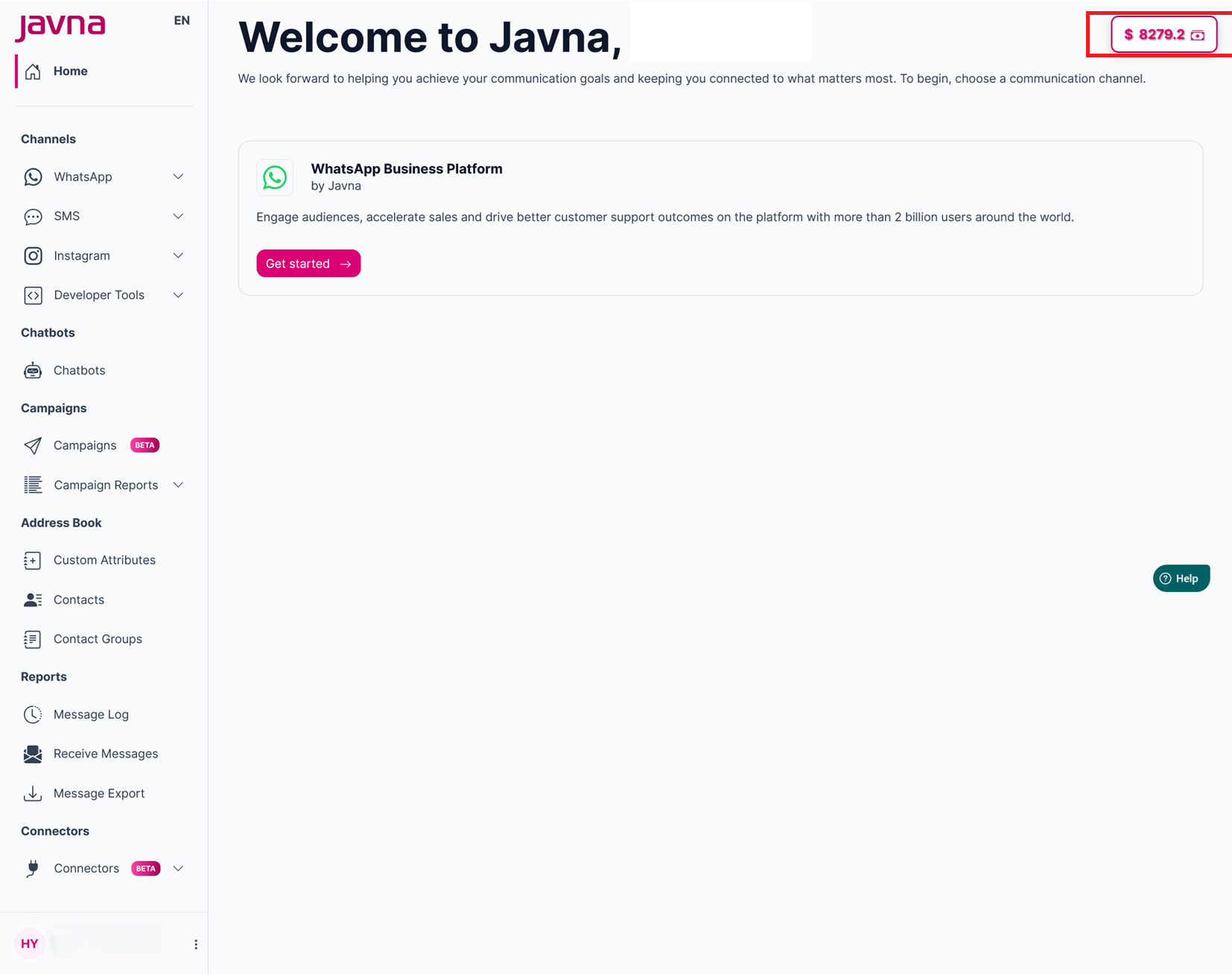
Clicking on the “Current credit button” in the homepage
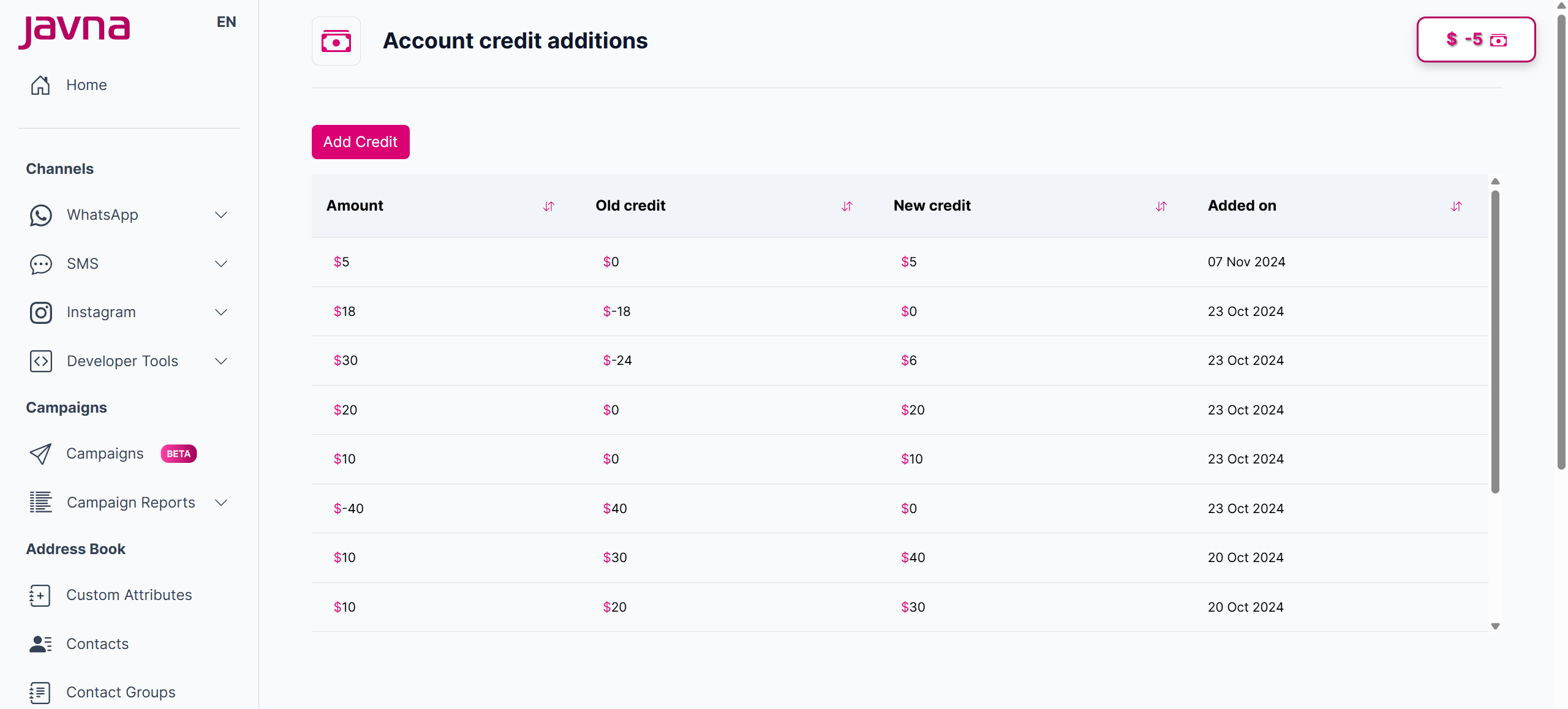
The "Account credit additions" page
Updated 7 months ago
Did this page help you?