

How to Navigate to the “Message Details” Page
To navigate to the “Message Details” page, follow these simple steps:
- Log in to the platform using your credentials.
- Once logged in, you'll be redirected to the homepage.
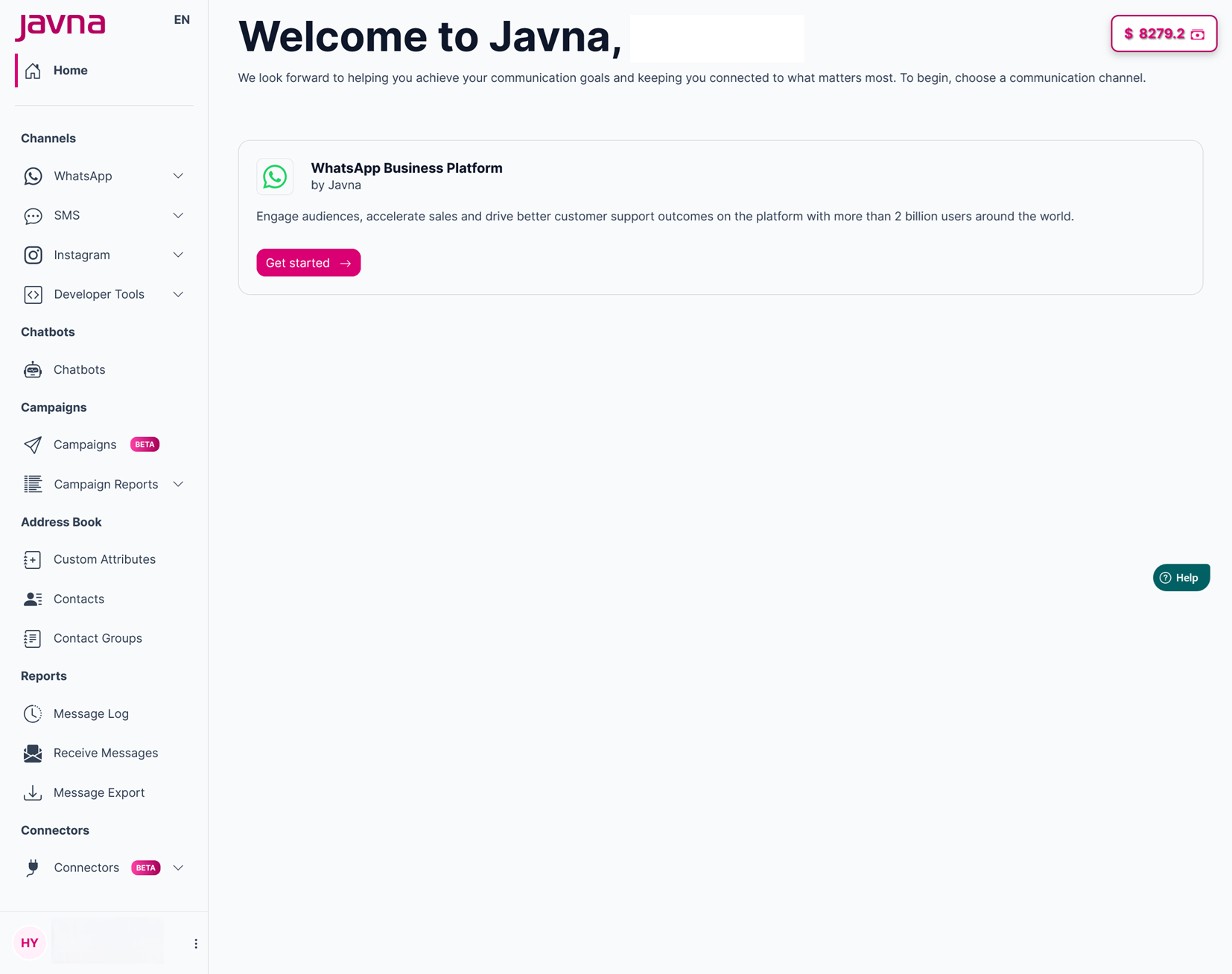
The Homepage
- From the left-side menu on the homepage, click on the “Campaigns Reports” button, then select “Message Details”. You will be redirected to the “Campaign Message Details” page where you can discover the details of your campaign messages.
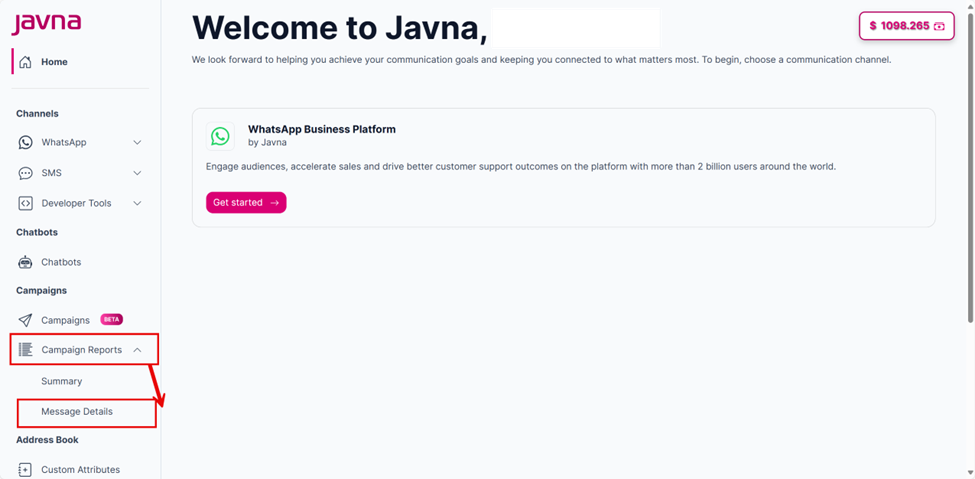
Selecting the "Message Details".
Updated 7 months ago
Did this page help you?