

Creating a “Message link”
You can create a message link by following these simple steps:
- Navigate to the "Message Links" page (refer to this section "Accessing the Message Link" ).
- Click on the "Create Message Link" button.
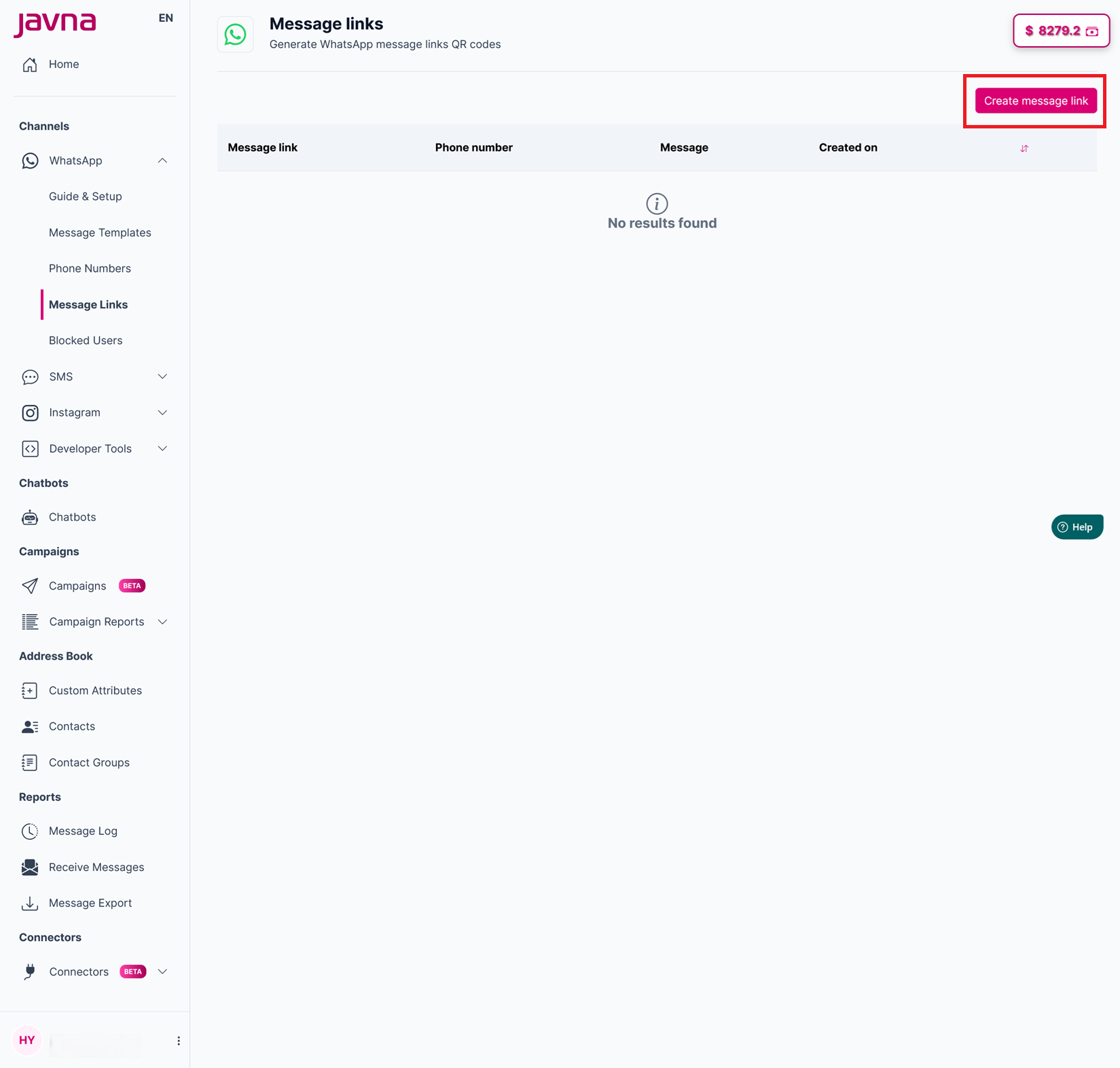
The "Create Message link" button
- A pop-up titled "Create Message Link" will appear. From there, select a WhatsApp phone number from the provided drop-down menu.
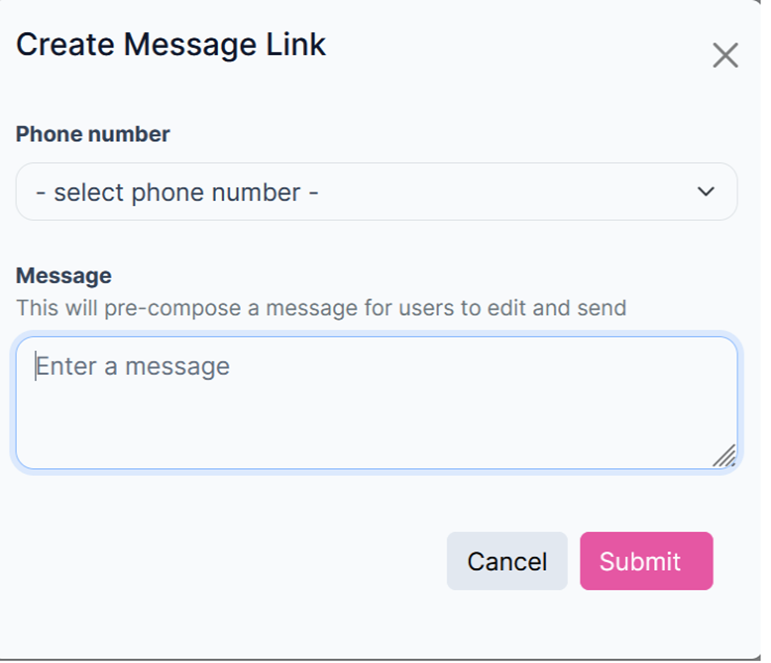
The "Create Message Link "pop-up.
- Enter your desired pre-filled message in the designated field.
- Click on the "Submit" button to create the message link. If you wish to cancel the creation process, simply click on the "Cancel" button.
Updated 7 months ago
Did this page help you?