
Create WhatsApp Templates to Start a Chat
WhatsApp Message Templates
Businesses can start a conversation by sending a WhatsApp message template, which must be approved by Meta. Using the Template Editor, you can: • Add placeholders (parameters) to personalize messages. • Add buttons: quick reply, call button, or click-to-URL. • Set headers and footers. The header can be set as text or media (including images, videos, documents, or locations), while the footer can be text only. Approval Process: • Templates are reviewed by Meta and approval can take up to 24 hours. • If a template is not approved, Meta does not provide a reason.
Tip: If your phone number is already approved, you can start creating templates immediately. See Section message template for more details on creating message templates.
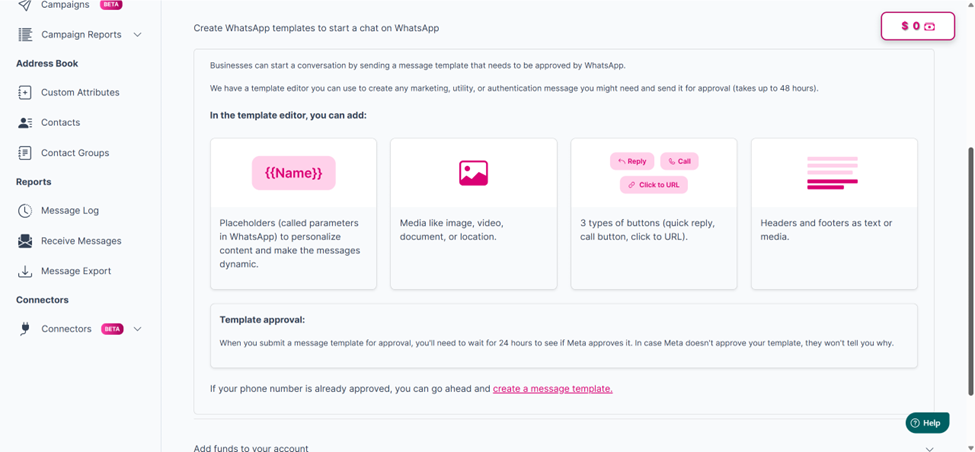
Creating WhatsApp templates to start a chat on WhatsApp
Updated 2 months ago