

Navigating to the"Custom Attributes" page
Follow these simple steps to navigate the “Custom Attribuites” page:
- Log in to your Javna CPaaS account using your credentials.
- Once logged in, you'll be redirected to the homepage.
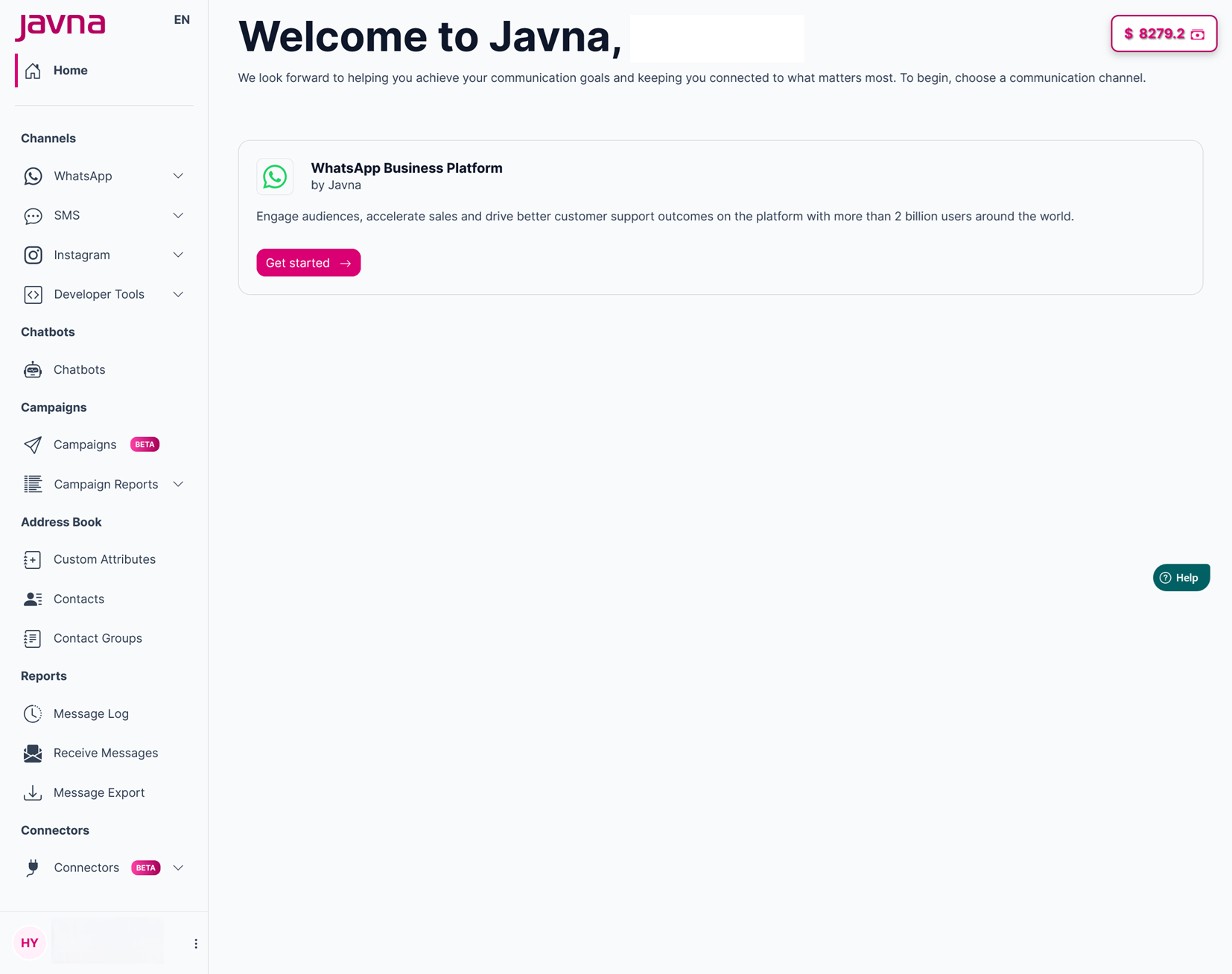
The Homepage
- from the left-side menu of the homepage, click on the "Address Book" drop down menu, then click on the option labeled "Custom Attributes".
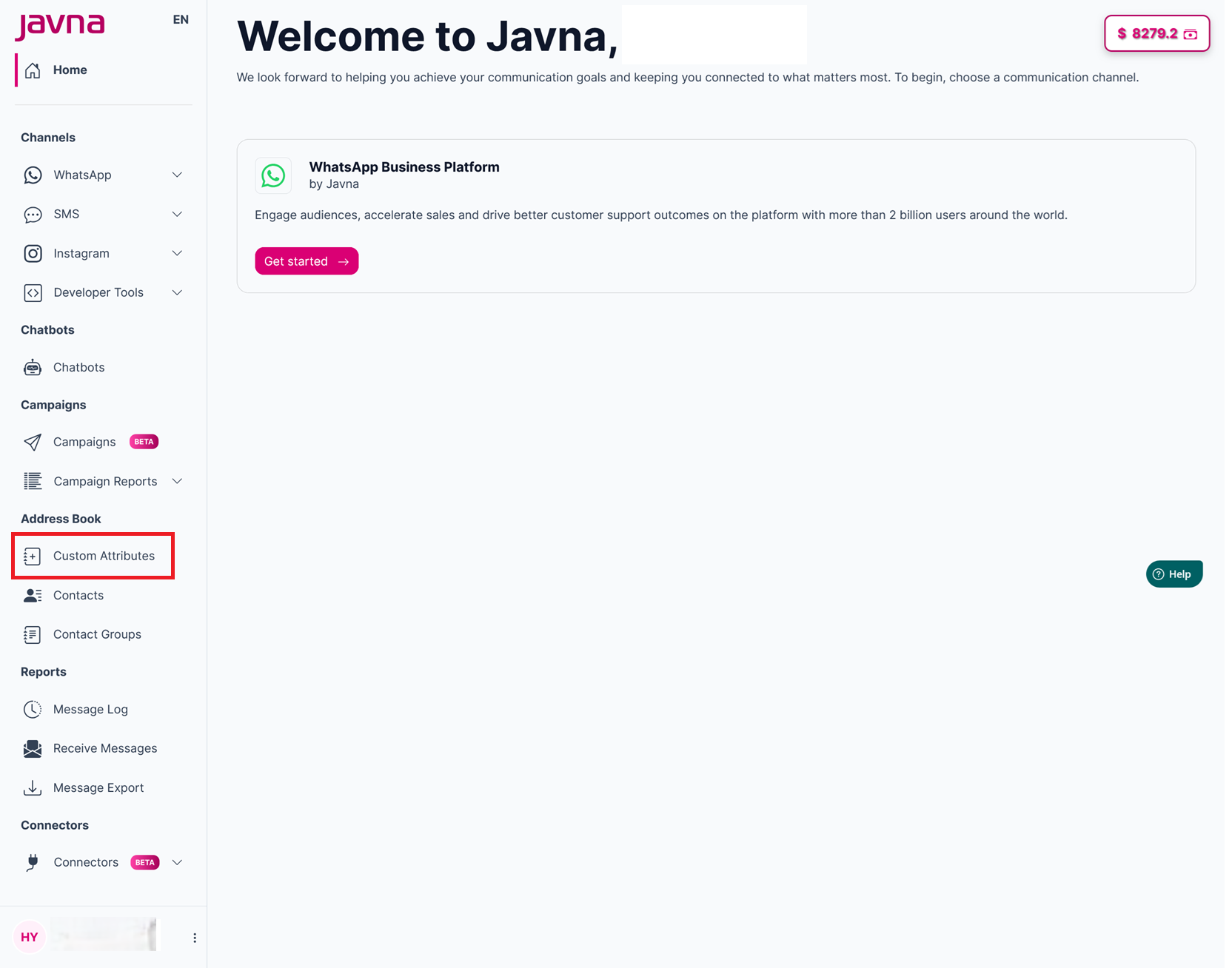
Selecting the "Custom Attributes" from the "Address Book" drop-down menu.
- Upon clicking, you'll be redirected to the "Custom attributes" page where you can view a list of Custom attributes.
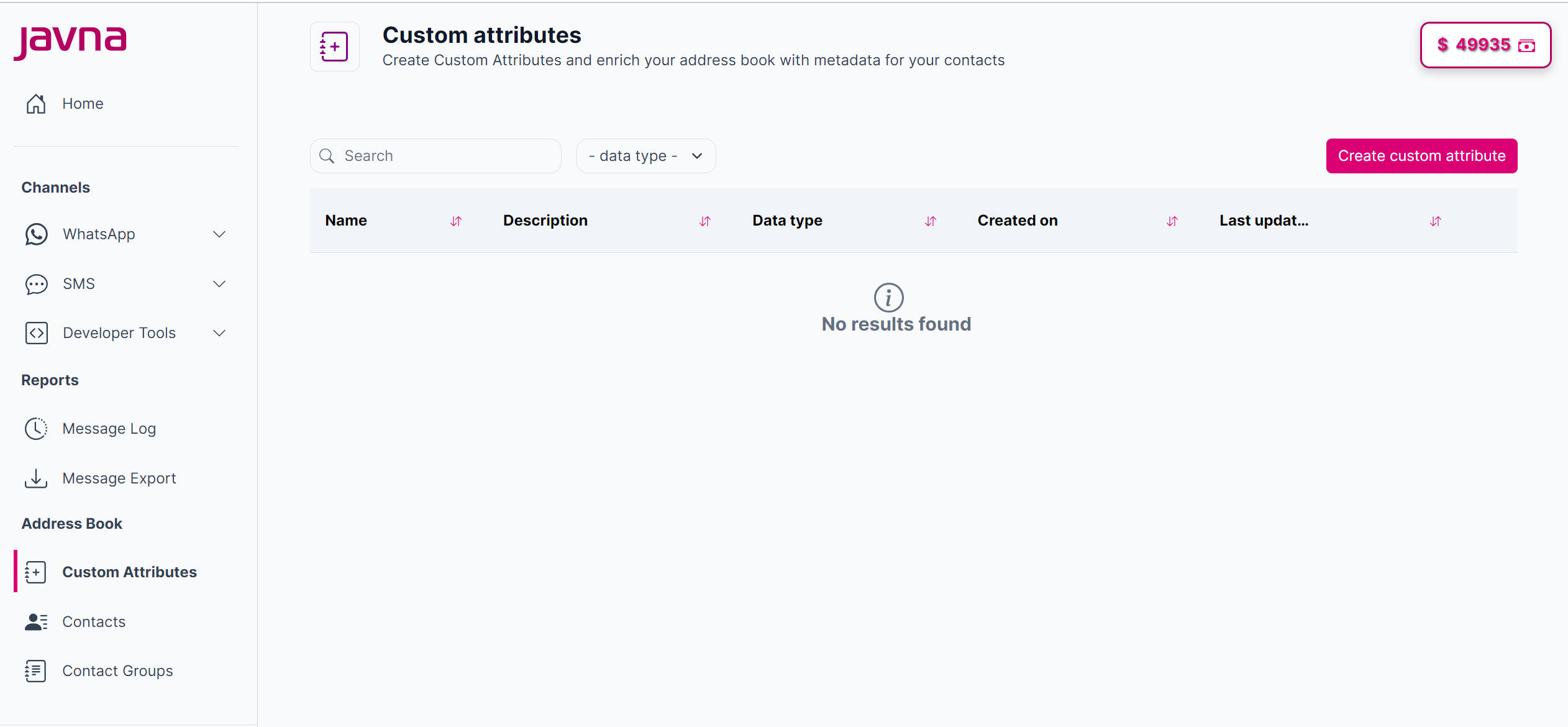
The list of the custom attributes.
Updated 7 months ago
Did this page help you?