

Delete “Scheduled” campaigns
Deletion permanently removes a scheduled campaign from the system, along with all its data, making it impossible to recover. You should carefully decide whether to cancel or delete a campaign.
However, if you decide to delete a scheduled campaign, click on the “options menu” button, select the "Delete" option, and confirm the deletion process.
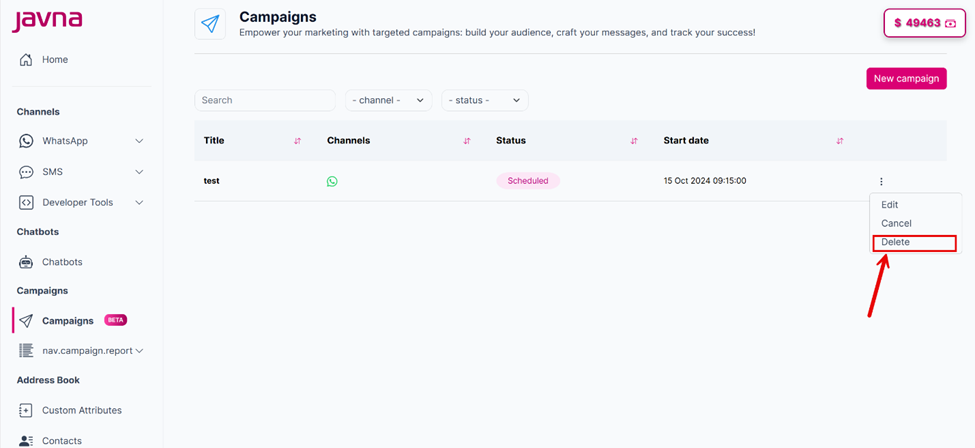
Selecting the "Delete" button.
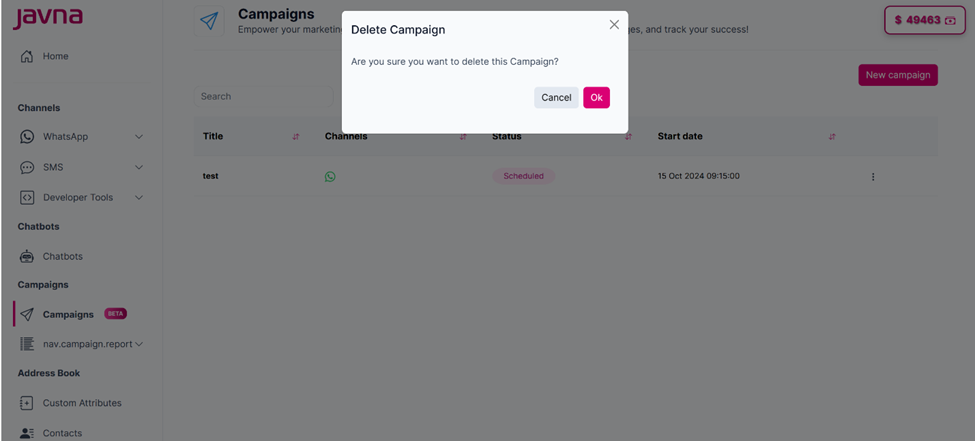
A confirmation pop up will appear.
Updated 7 months ago
Did this page help you?