

Cancel “Scheduled” campaigns
Cancellation means stopping a scheduled campaign before it starts. This allows you to keep all the campaign details for future reference. Canceled campaigns are labeled as canceled but still visible in the campaign list.
To cancel your “scheduled” campaign, you have two options:
- Click on the “Cancel” button from the “Options Menu” button and confirm when prompted.
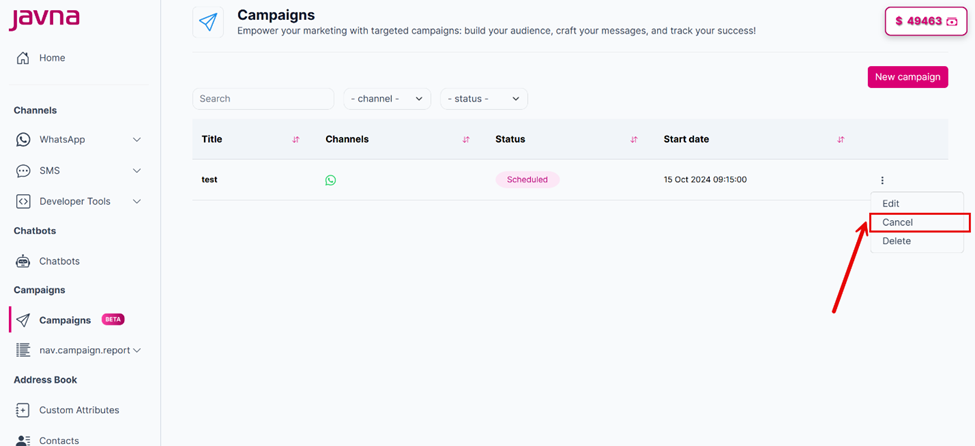
Clicking on the "cancel button"
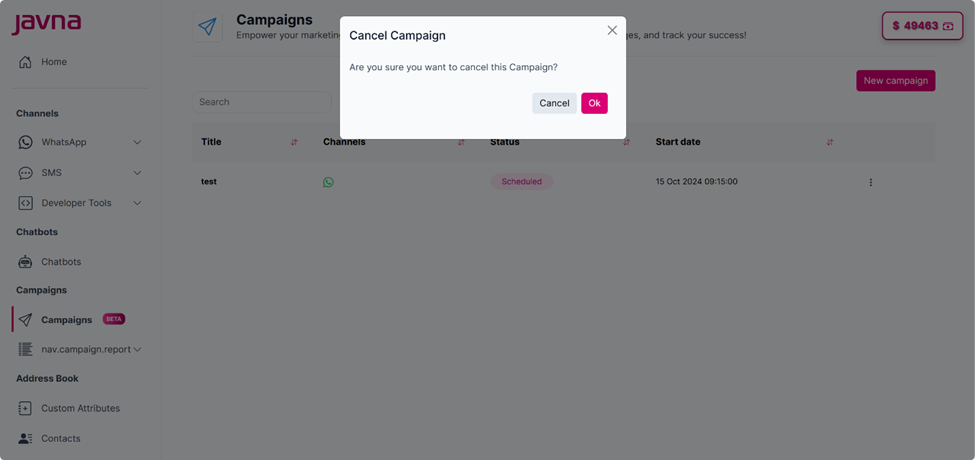
Confirming Cancellation.
- Click on the "Scheduled" campaign you want to cancel. You will be redirected to the summary page displaying all your campaign information. Then, click the "Cancel" button at the top of the page.
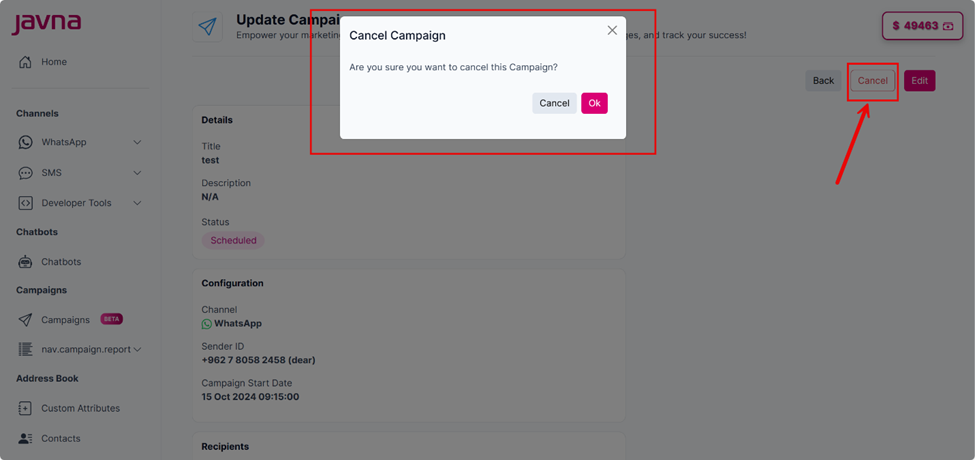
Clicking on the "Cancel" button.
Updated 7 months ago
Did this page help you?