

Edit “Scheduled” campaigns
You have two options to edit your “Scheduled” campaign:
- Click on the campaign you want to edit. You will be redirected to a summary page that displays all your campaign information. Then, click on the "Edit" button at the top of the page to be redirected to the edit mode page where you can make changes.
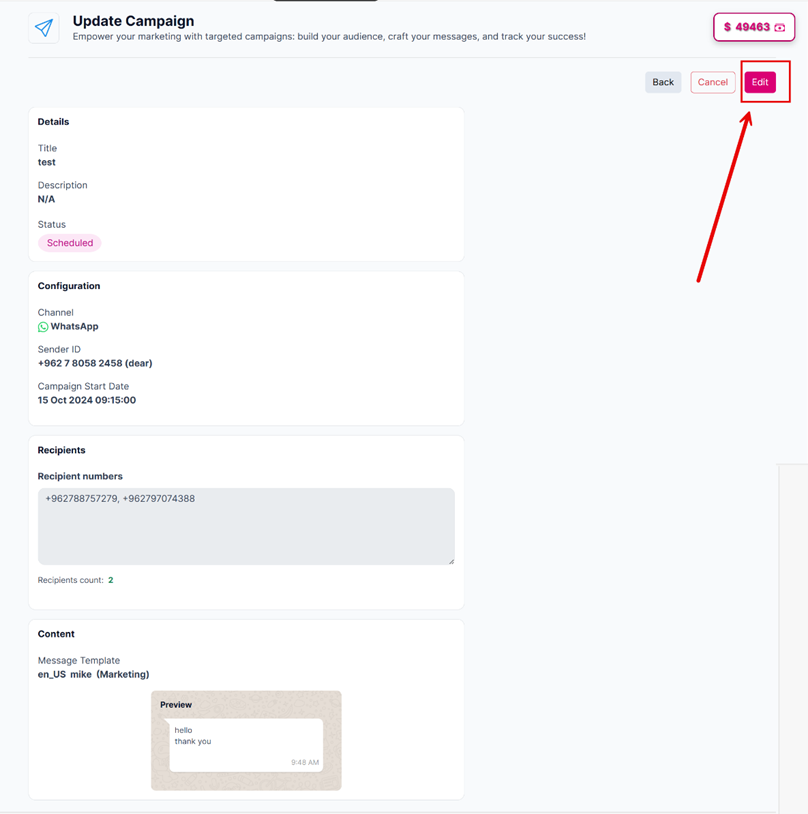
Clicking on the "edit" button.
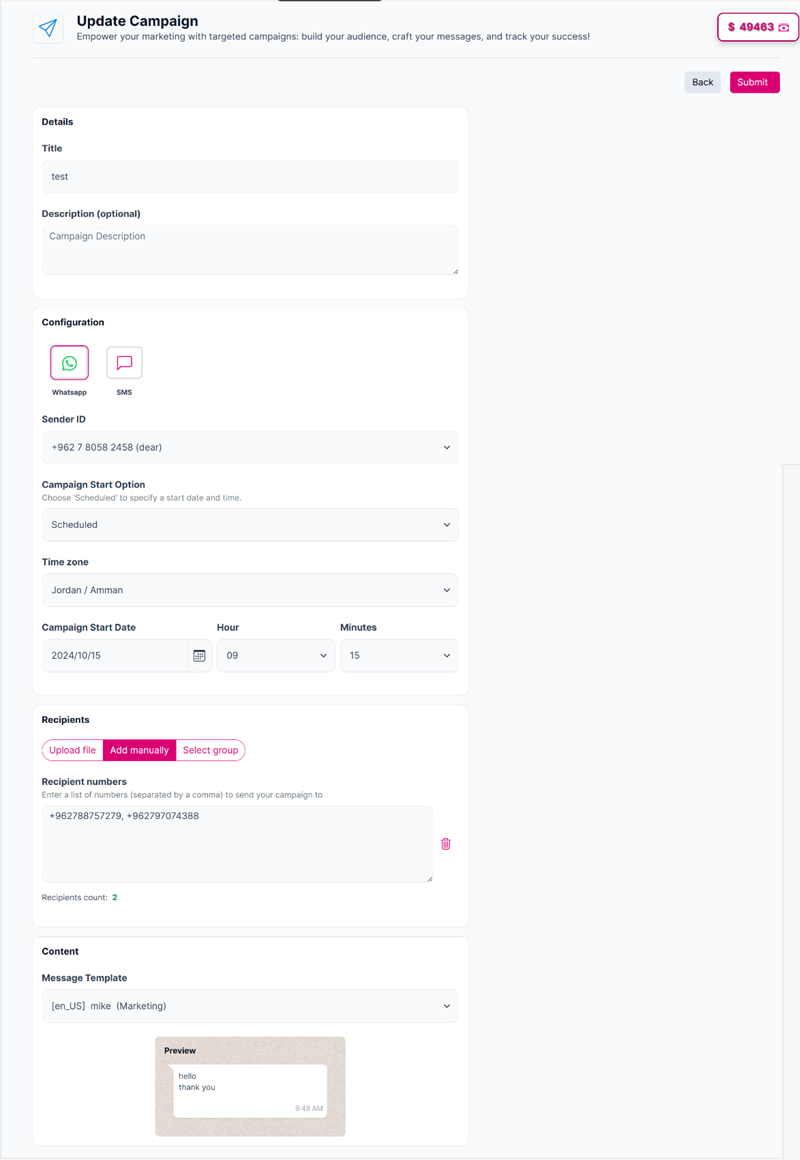
Editing the campaign details after clicking on the edit button
- Click the “Options menu” button and select "Edit" to be redirected to the edit mode.
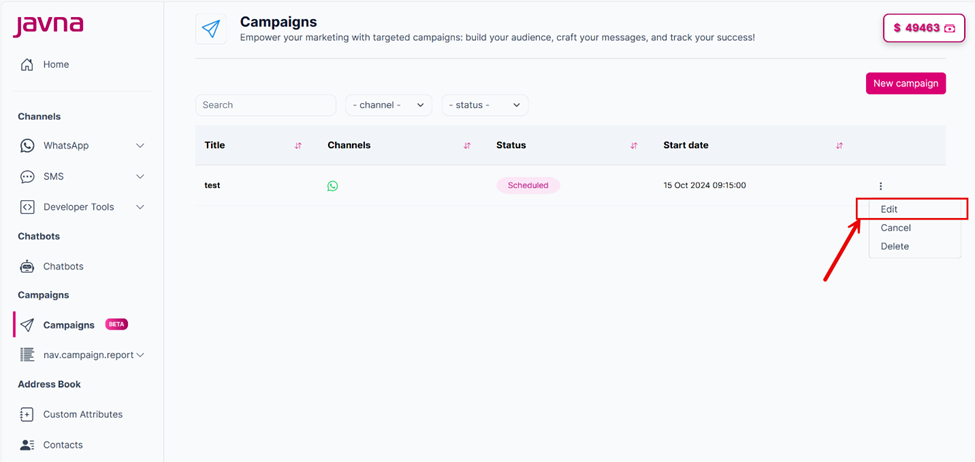
Selecting the "Edit" button.
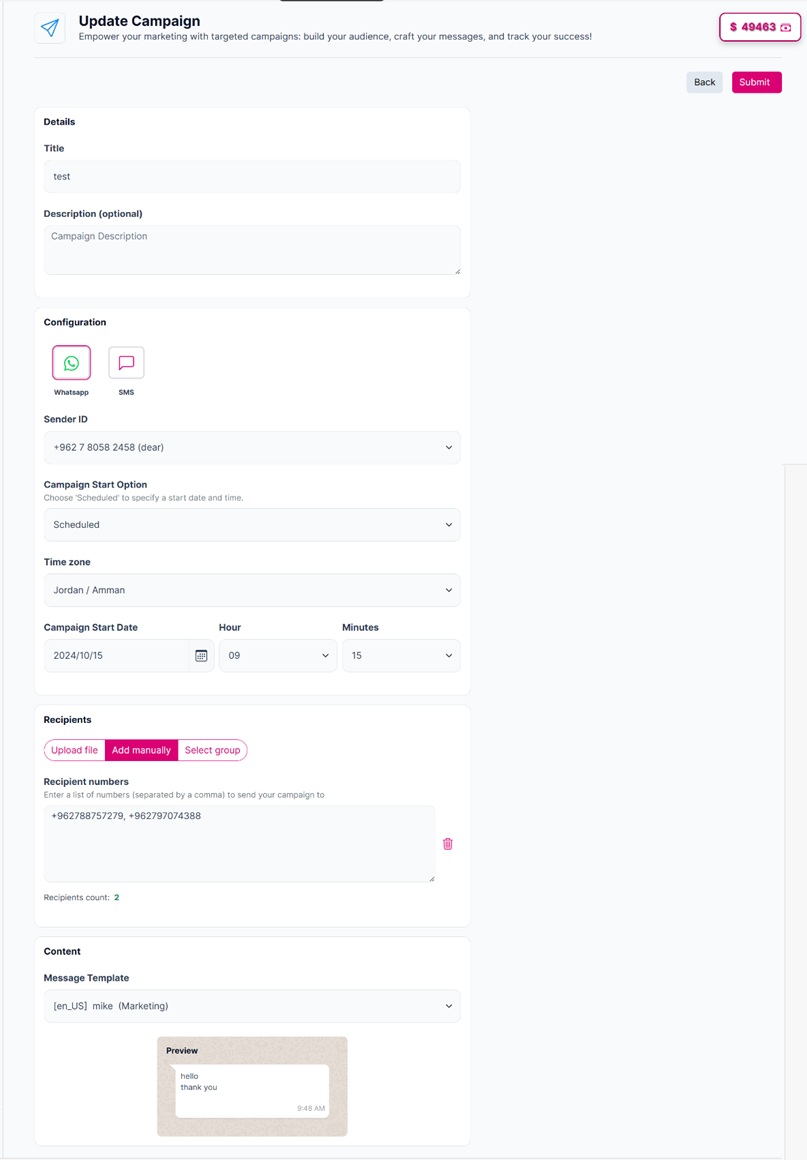
The page that you will be redirected to when clicking on the edit button
Updated 7 months ago
Did this page help you?