
When you respond to a user who started a conversation with you on Instagram, your response is considered an outbound message.
Types of Outbound Messages
- Text Message
- Image Message
- Video Message
- Audio Message
- Sticker Message
- PDF File Message
- Share a Published Post Message
- Send Message Action
- Template Messages:
- Quick Replies
- Button Template
- Card Template
- Carousel Template
Text, Sticker & Media Messages
Text Message: A message that contains text or a link, Message text must be UTF-8 and be 1000 bytes or less. Links must be valid formatted URLs.
Sticker Message: a heart sticker Message
Media Messages: Messages that include the following Media types: Image, audio, video or file
| Media Type | Supported Format | Supported Size Maximum |
|---|---|---|
| Audio | aac, m4a, wav, mp4 | 25MB |
| Image | png, jpeg | 8MB |
| Video | mp4, ogg, avi, mov, webm | 25MB |
| File | 25MB |
Share Published Post Message
Send a Message that includes the Meta ID of a published post you own.
Send Message Action
Respond with a send action to a message you have received.
Supported send actions include:
- Adding a heart (love) reaction to a message.
- Removing a reaction from a message.
- Marking a message as seen.
Template Messages
Template Messages are structured message that includes images, text and buttons that can be on the following forms:
Quick Replies Template Messages
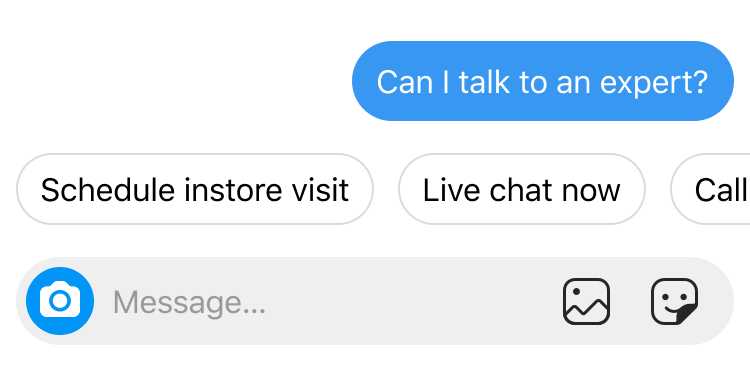
Quick replies provide a way to present a set of buttons in-conversation for users to reply with. A maximum of 13 quick replies are supported and each quick reply allows up to 20 characters before being truncated. Quick replies only support plain text.
When a quick reply is tapped, the buttons are dismissed, and the title of the tapped button is posted to the conversation as a message. An Instagram messages event notification is sent to your webhook server that contains the button title and an optional payload.
Limitations: This feature is currently not available on desktop.
Button Template
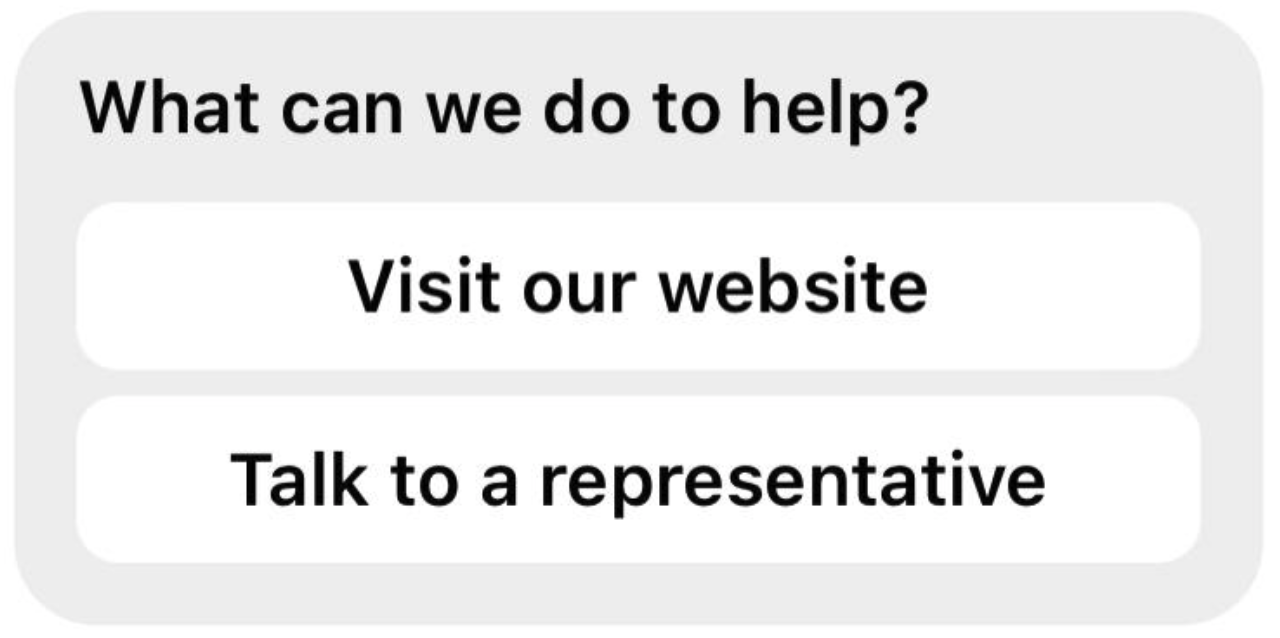
A button template message allows you to send a message that contains text and up to three attached buttons that allow the message recipient to choose from different options. The buttons can open web pages in the in-app browser or send the recipient's selection to you via the messaging_postback webhook notification. You can then send information about the selection back to the recipient.
Button types
- URL Button
The URL Button opens a web page in the in-app browser. This allows you to enrich the conversation with a web-based experience, where you have the full development flexibility of the web. For example, you might display a product summary in-conversation, then use the URL button to open the full product page on your website. - Postback Button
The postback button sends a messaging_postbacks event to your webhook with the string set in the payload property. This allows you to take arbitrary actions when the button is tapped. For example, you might display a list of products, then send the product ID in the postback to your webhook, where it can be used to query your database and return the product details as a structured message.
Card Messages
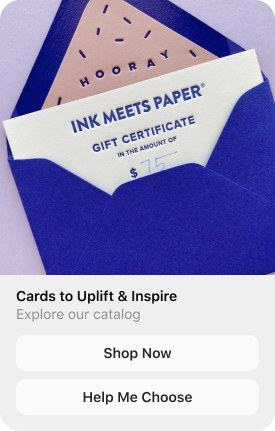
- A card is a single structured message that must contain a title and at least one additional property (subtitle, image, default action, or buttons).
- Each card can include up to three buttons.
Carousel Messages:
A carousel is a horizontally scrollable set of cards that allows users to browse and interact with multiple items in a single message.
You can include multiple cards, each with its own title, subtitle, image, default action, and up to three buttons.
Limitations: This feature is currently not available on desktop
Forms of outbound messages
Direct Messages
Reply with a direct message to a user who started a conversation with you within the last 24 hours either by sending a direct message to your account or by replying to a live story.
Limitations
You must respond within 24 hours of receiving the user’s message.
Private Replies to Comments
Send a private reply to a user who commented on your post or reel.
Limitations
- Only one message can be sent to the commenter.
- The message must be sent within 7 days of the comment on the post or reel.
- For Instagram Live, private replies can only be sent while the live broadcast is active. Once it ends, private replies are no longer possible.
- Follow-up messages can only be sent if the recipient responds, and must be delivered within 24 hours of that response.